28
Firmware upgrade
Users are welcome to obtain the latest firmware for upgrade on the
BenQ official website. This function can be executed on Microsoft
Windows 10 (and above) and macOS 10.15 (and above) platforms.
The firmware upgrade steps are as follows:
1. Please go to the treVolo U official site page to download the
newest firmware.
2. After the download is completed, please make a decompression
of the folder, select and open the "treVolo U_updater.exe" file.
If you encounter a Windows warning during your installment, please
click More Info > Run anyway.
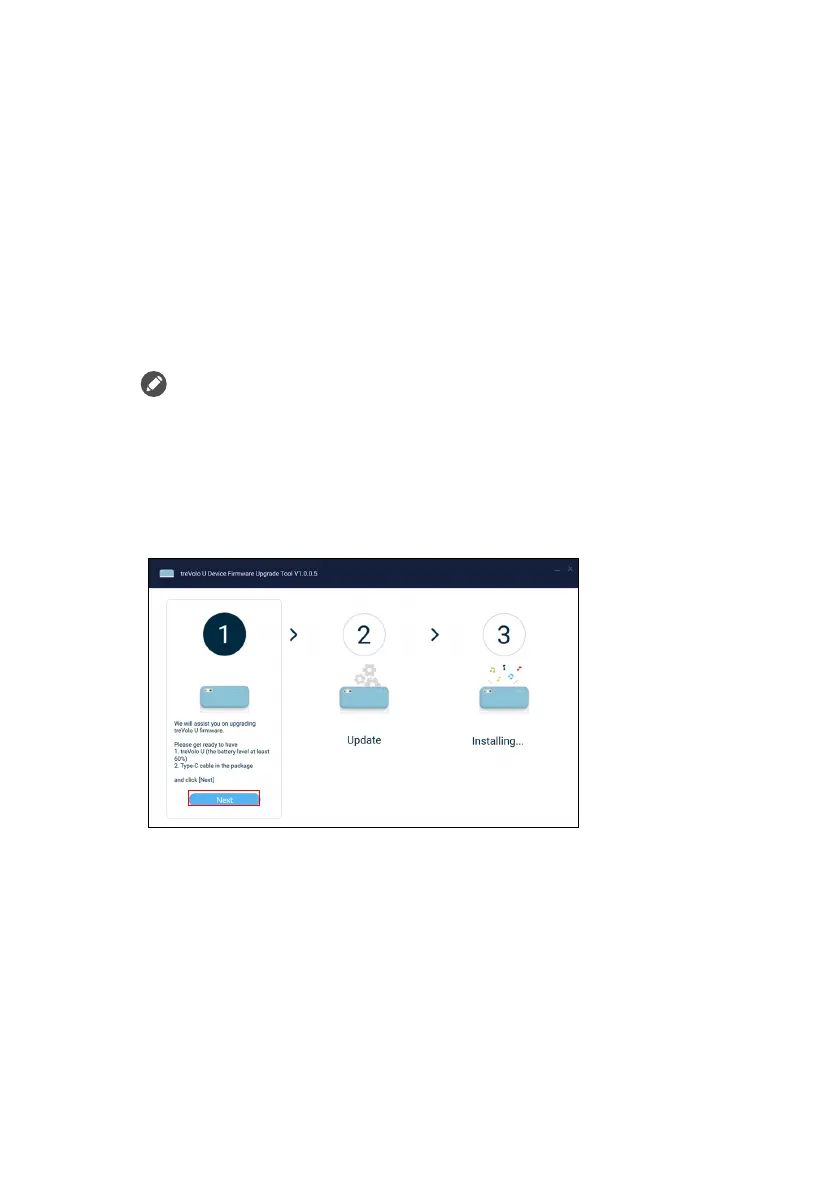
3. When the file is opened, you may begin the firmware
installation steps. Please make sure that the battery power of
your Bluetooth speaker is more than 60% and prepare the
provided Type-C cable. Then, click Next.
4. Please follow the firmware update instructions that appear on
the window. Please wait for 3 to 5 minutes after the update is
completed. When the update is completed, you will hear the
power on sound.



 To Next Page