13
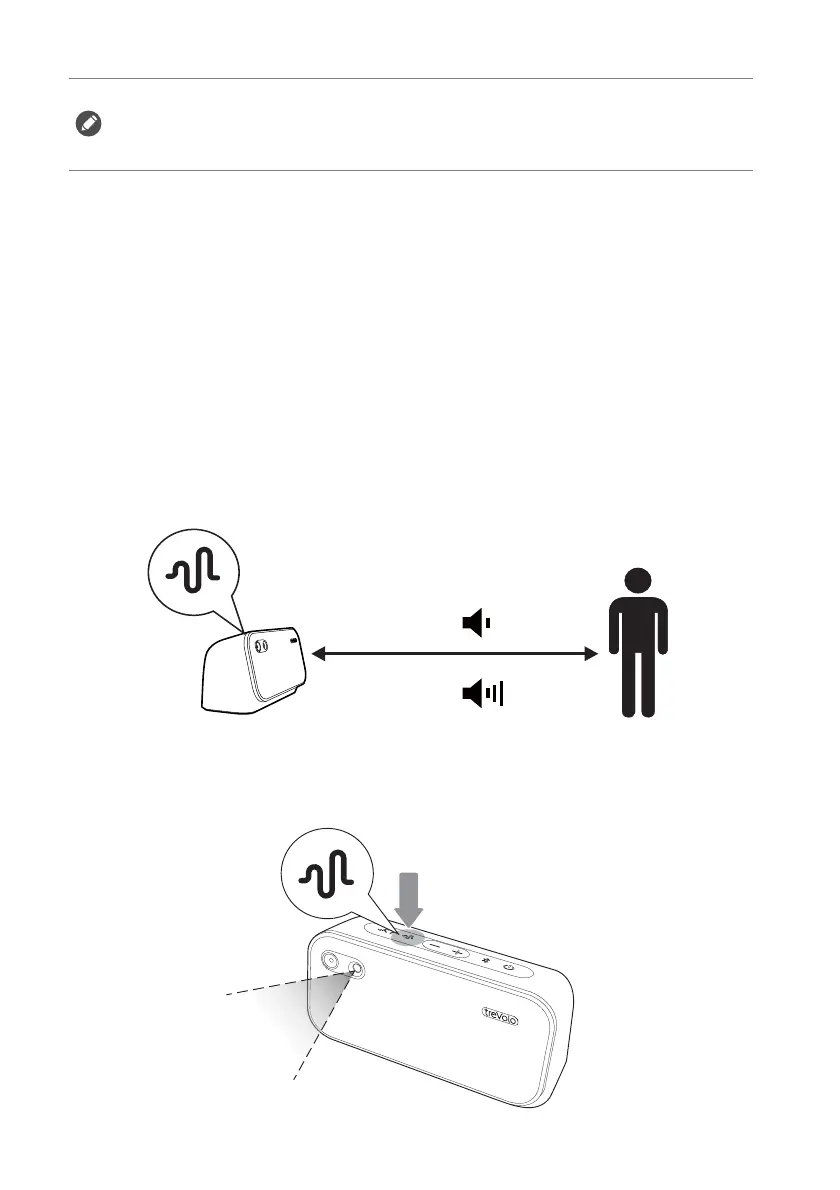
After selecting a suitable Sound Mode, enable the Safe Volume
function to ensure the volume is at a suitable level for you.
Safe Volume
The Safe Volume is designed for the safety of the learners' hearings.
It detects the following data and automatically adjusts to the most
suitable volume level through algorithm:
• Distance of user to the speaker
• Volume from surroundings
• Input audio volume
To activate the Safe Volume, please press the Safe Volume button for
1 second, the speaker will start analyzing the volume of the
surroundings and adjust the volume with a beep sound in the end.
• The microphone only activates when the Live Learning mode is on.
• When having the online courses via Bluetooth connection, the speaker will
automatically switch to the Live Learning mode (LED lights flashing), and
adjust the sound to the highest interactive quality.



 To Next Page