12
The three Sound Modes
By switching the Sound Mode, the speaker will provide the most
suitable sound and sound effect to different situations, thereby
enhancing users' experience.
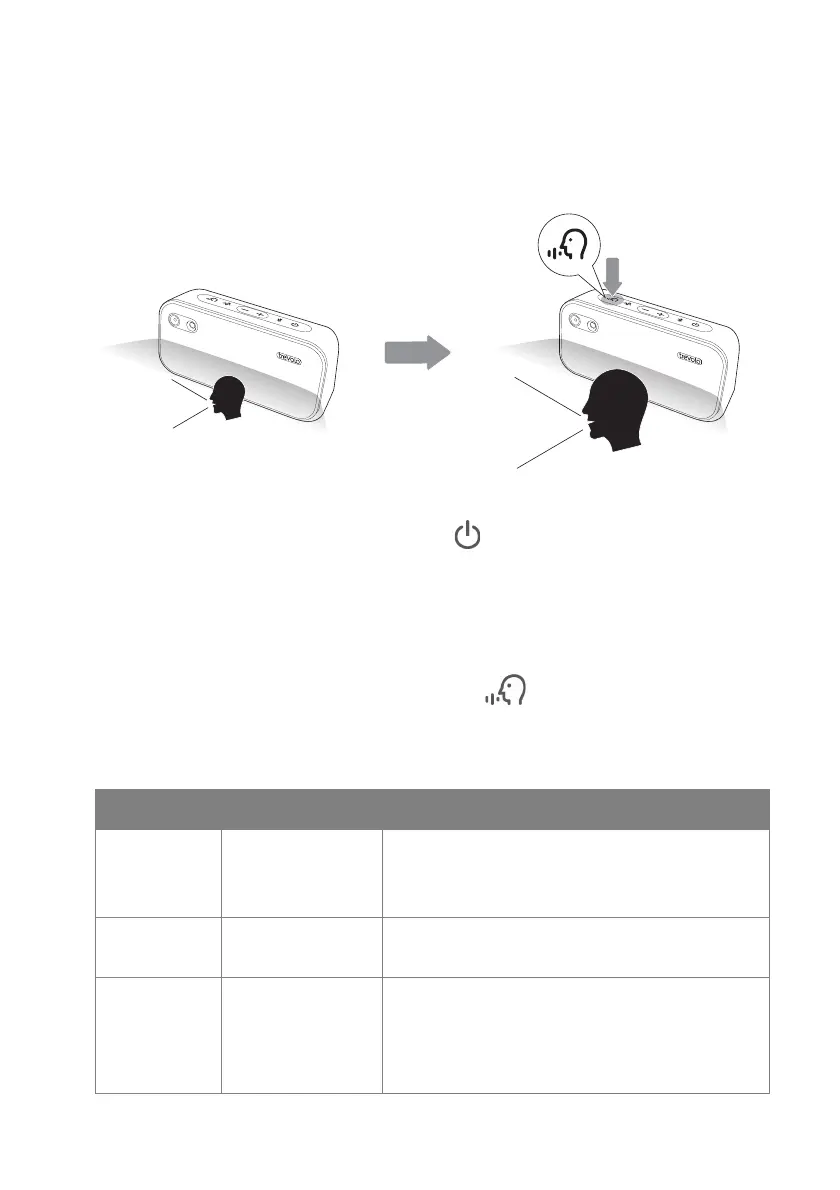
To turn on the Sound Mode:
1.
Press and hold the power button ( ) to turn on the speaker.
2. Connect the speaker to the Bluetooth device that you would like
to use for playing online learning materials. For more information
regarding to Bluetooth connection, see Pairing device (Bluetooth
connection) on page 9.
3.
When pressing the Sound Mode button ( ), the speaker will switch
between the modes mentioned below. Users are able to select a suitable
mode for the type of audio being played.
Mode LED indicator Description
Music Turned off Music mode provides most balanced
sound quality for music and
entertainment purpose.
Video
Learning
Solid white
light
Video Learning mode provides best
vocal quality for online learning.
Live
Learning
Flashing white
light
Live Learning mode provides smart
echo control for best microphone
performance in addition to best vocal
quality.


 To Next Page