4
Operation
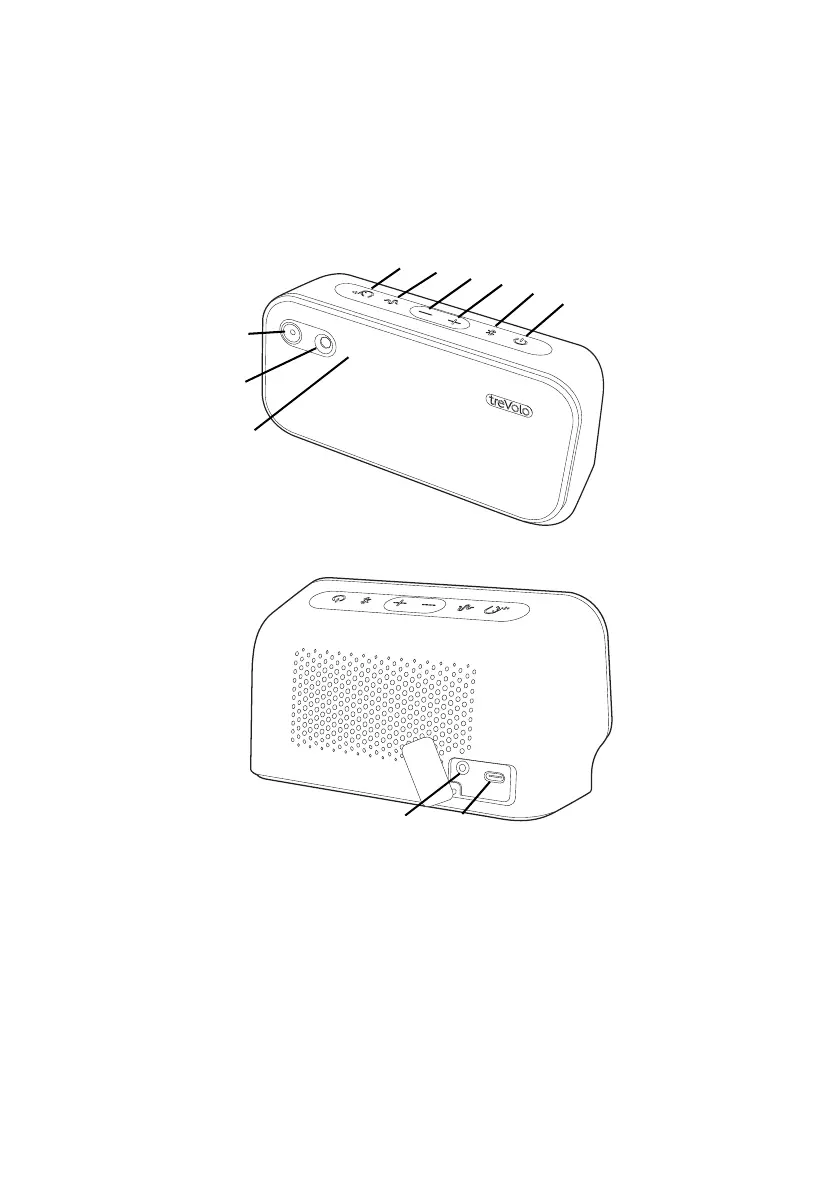
Buttons and connection
1.
Sound Modes button with LED
Press the button to switch to different sound modes. See The
three Sound Modes on page 12.
2.
Safe Volume button
Press for 1 second to activate Safe Volume, which adjusts the
overall audio volume level based on the proximity of the person
to the speaker, sound level from surroundings and audio volume
level. See Safe Volume on page 13.



 To Next Page