23
True Wireless Stereo
Users are able to use the treVolo U App to connect two treVolo U
speakers to create a stereo sound. The steps to connect are as follow:
1.
Please click Settings () > TWS Group on the top right
corner on the home page.
2. Turn on another treVolo U speaker and follow the instructions
in the App to pair.
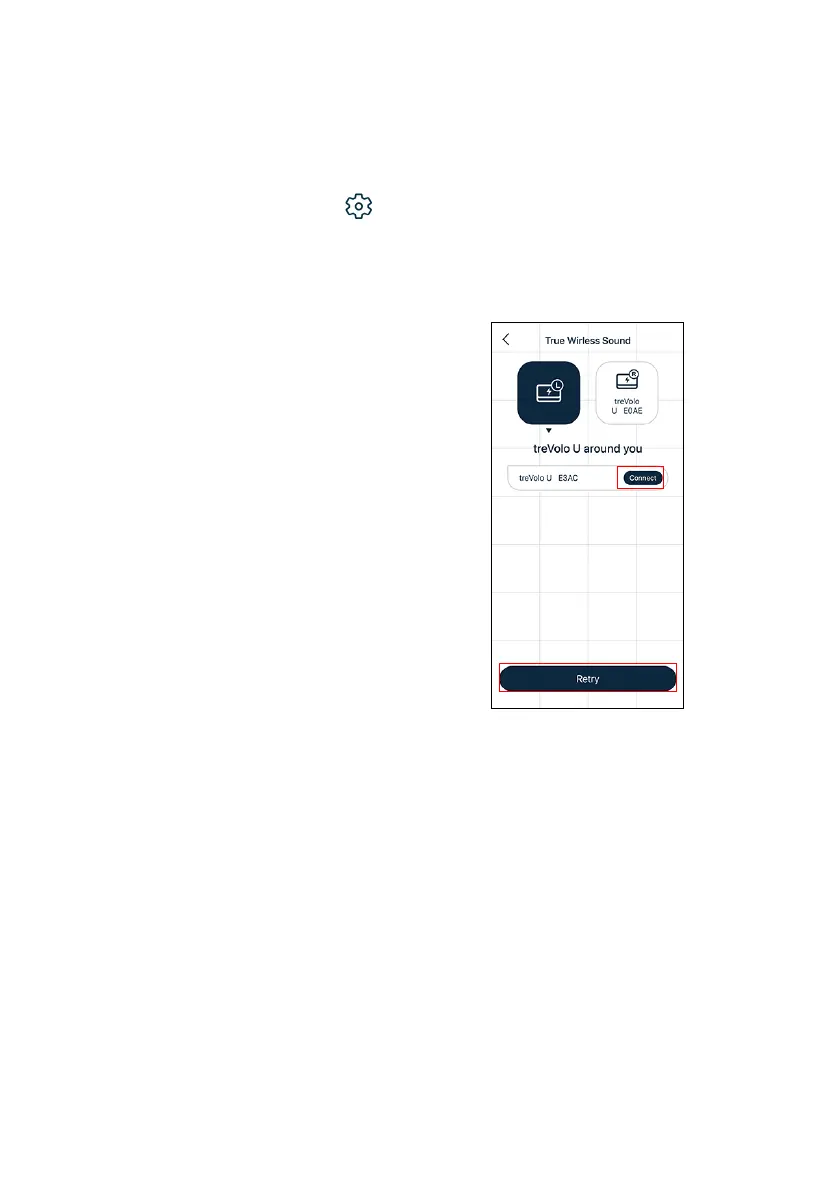
3. Confirm the name of the device that
you want to connect and click
Connect. Click Retry if you can't
find your device.



 To Next Page