24
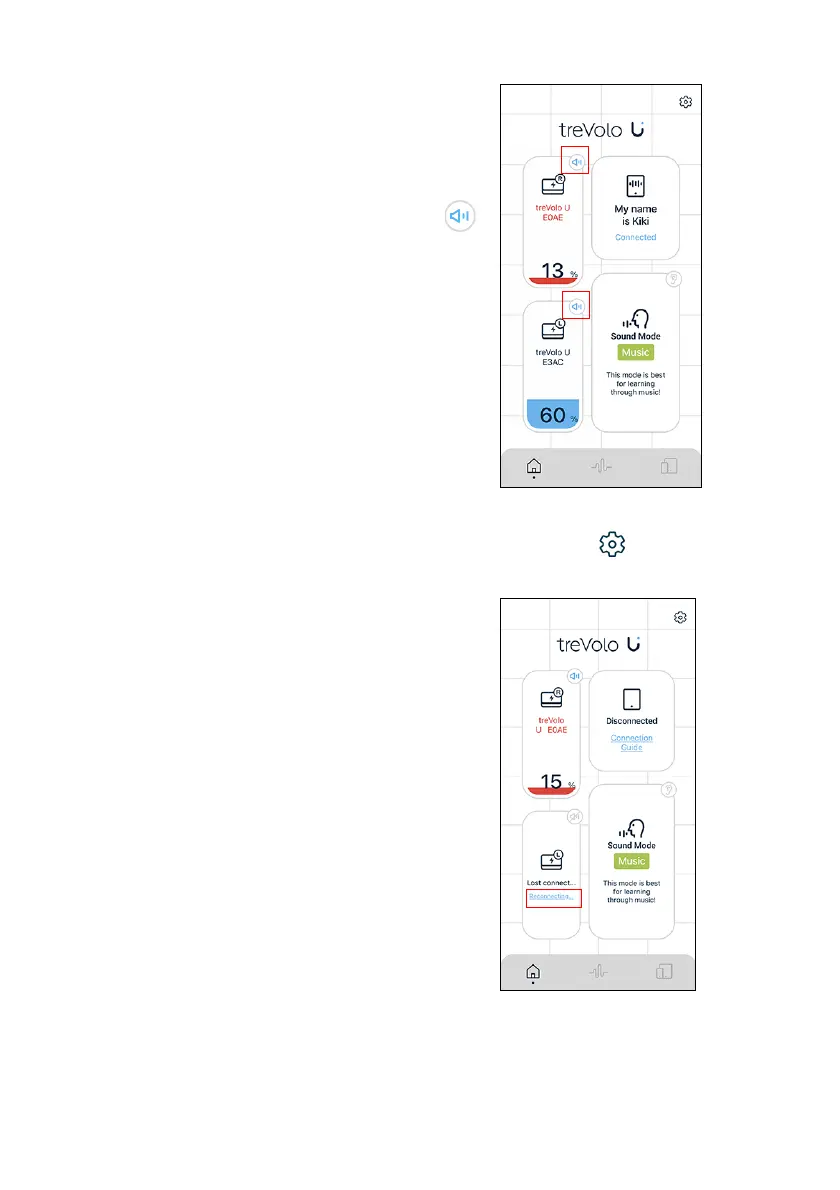
4. After connecting successfully, the
power and status of the two devices
will be shown on the home page.
• To test out the left and right
stereos, click the volume icon ( )
to hear the indicator sound of the
device.
• When the stereo connection is
made, the operation of the two
speakers will be synchronized,
including power off, volume
adjustments, Sound Mode, etc.
Only the right unit during stereo
mode will receive and play audio
for phone calls.
5.
To unpair two speakers, please click Settings () > Release
TWS Group on the top right corner of the home page.
6. When the sub stereo connection is
interrupted, please confirm the
status of the speaker and click
Reconnecting... on the home page.



 To Next Page