10
Reconnecting to the device
The speaker will search for the device that has been paired with it in
priority. Under this reconnection the Bluetooth LED will blink slowly
in blue.
If the speaker is unable to pair previous device within 80 seconds, it
will automatically switch to pairing mode for new device with rapid
blue flash.
If the device is successfully connected, the Bluetooth LED indicator
will turn solid blue. To pair to another device, please repeat the steps
in Pairing device (Bluetooth connection) on page 9.
Reset the Bluetooth pairing list
In case the pairing keeps unsuccessful it is recommended to reset the
Bluetooth pairing device list by holding Bluetooth button for
10 seconds. After a beep sound the reset is completed and the
speaker is ready for pairing with blue LED flash.
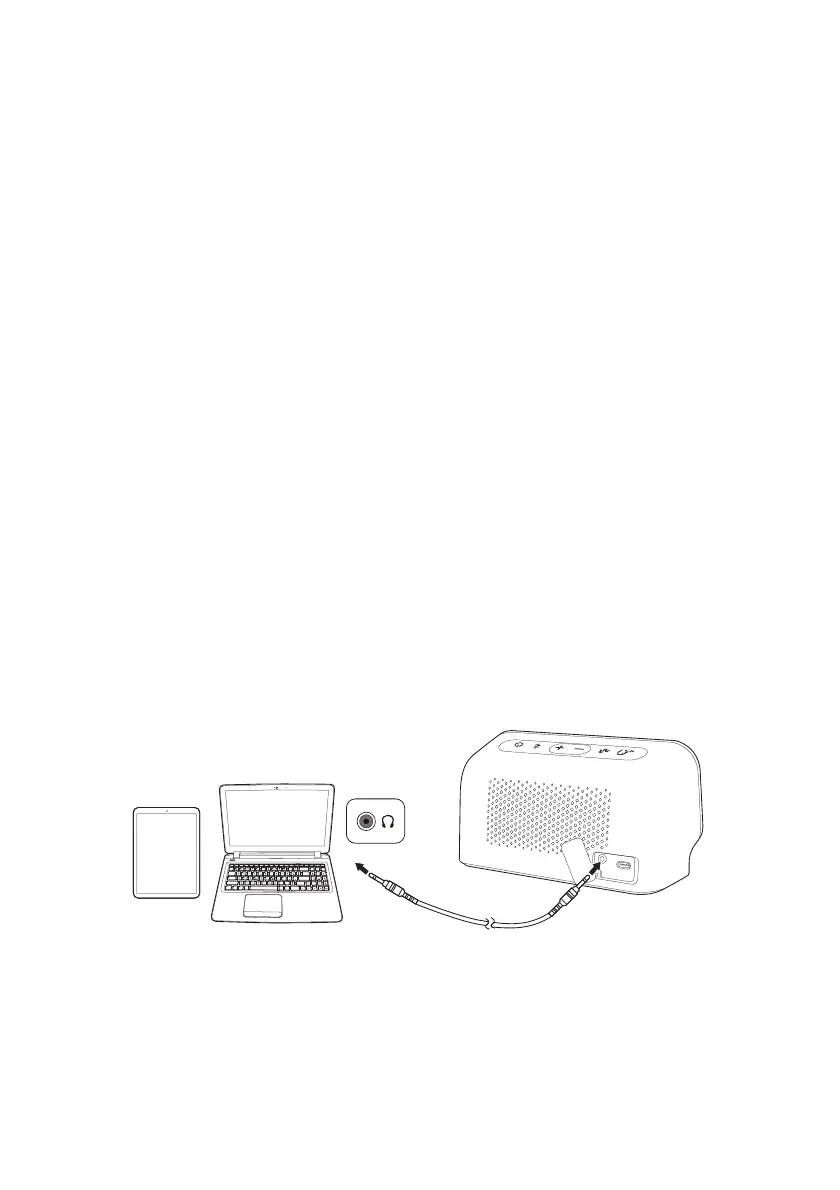
Connecting with audio cable
If the device is not equipped with the function of Bluetooth, it is
possible to use a 3.5mm audio cable to connect the device to the
speaker.



 To Next Page