16
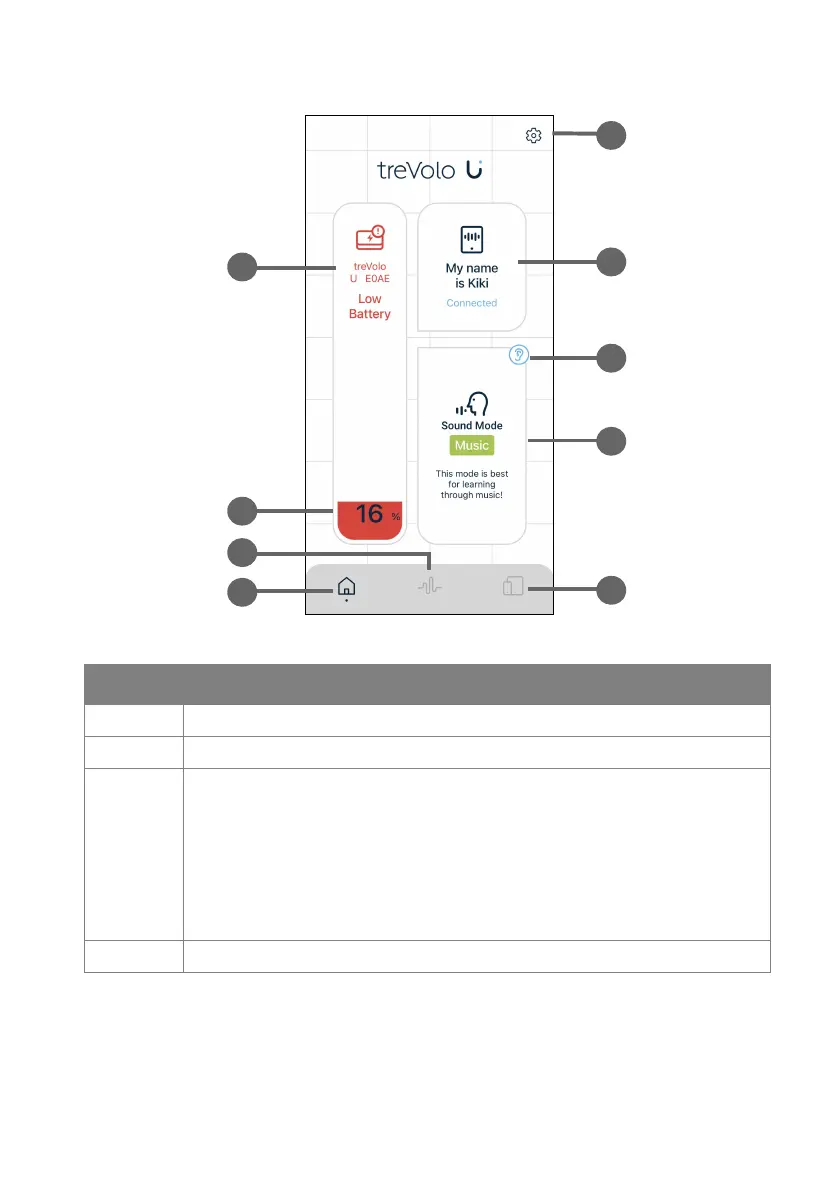
The home page provides the following options:
Number Description
1. Name(s) of the speaker's device(s).
2. Battery level of the speaker.
3. Activate Safe Volume. After activating Safe Volume via
App, the App will show the result of the Safe Volume
detection procedures, including:
• The best volume level after adjusting
• Volume from surrounding
• The distance between the user and the speaker
4. Return to the home page of the App.



 To Next Page