33
Level 1 Cosmetic / Appearance / Alignment Service
Visual Inspection & Cleaning
Carry out cleaning of the main unit and interio
lamp or making inspections.
The glass cleaner used with the following parts is as follows.
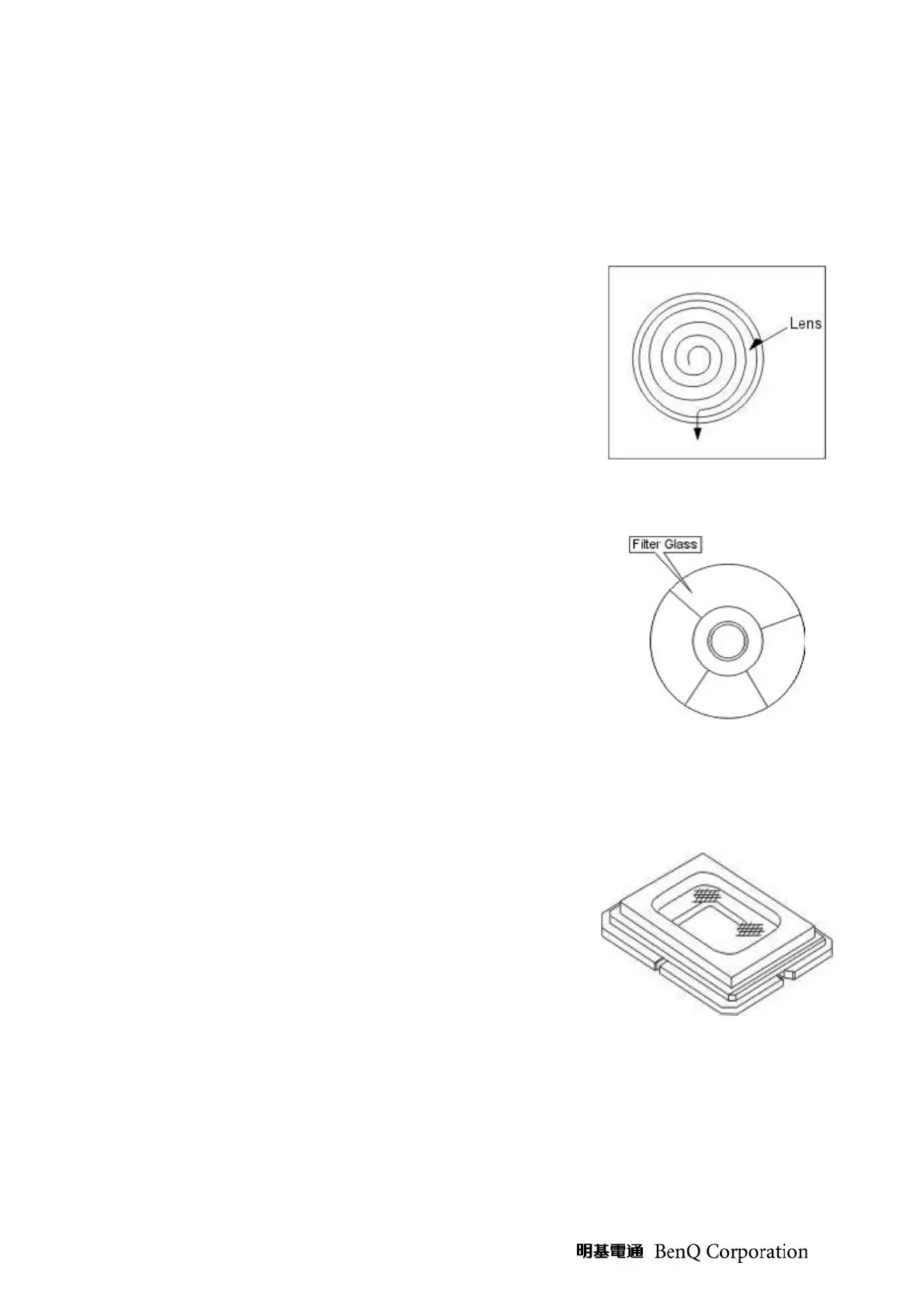
(1) Cleaning the Projection Lens
When dust and fingerprints, etc. are on the lens surface, use the
designated glass cleaner to remove as shown in t
right. For fingerprints and other soiling that are difficult to remove
with a dry cloth, use a designated glass cleaner which has been
moistened in water and then use a dry cloth to dry it off.
The projection lens surface has a special coa
detergents or solvents on the surface.
(2) Cleaning the Color Wheel Assy
The color filter is made of thin glass. Be very careful when handing
the filter.
In case of fingerprints, etc. on the surface, clean in the same way as
the projection lens unit as described in item 1).
Do not use detergents as this could cause peeling of the color filter.
(3) Cleaning the DMD
The DMD surface is glass and can be cleaned. However, avoid
scratches as these can have a direct influence on the image.
In case of d
ust on the DMD surface use an air cleaner (with a device
to prevent static, if possible) to clean off the surface.
In case of fingerprints, etc., add a small amount of water to the
designated glass cleaner and wipe off in one direction. Then use the
designated dry glass cleaner to wipe off in the same direction.
Do not use absolute alcohol or other substances that could leave
streaks after drying.
(4) Cleaning the Reflecting Mirror
Be careful not to touch the reflecting mirror. The surface is
composed of vapor
deposition silver and touching it directly with the
hands can lead to burnishing.
Do not clean other than with air.
(5) Cleaning the Main Unit
Clean with a soft fuzz-
free cloth. In case of severe soiling, use a
well-wrung cloth dipped in a neutral agent to r
then finish with a dry cloth.
Do not clean with thinner, benzene or similar agents as this could
lead to deterioration or peeling of paint.
In case of dust in suction or exhaust holes or the interior,
disassemble the main unit and use air
to remove the dust from the
inside.



 To Next Page