58
H
o
w
t
o
r
e
set
lamp
hours?
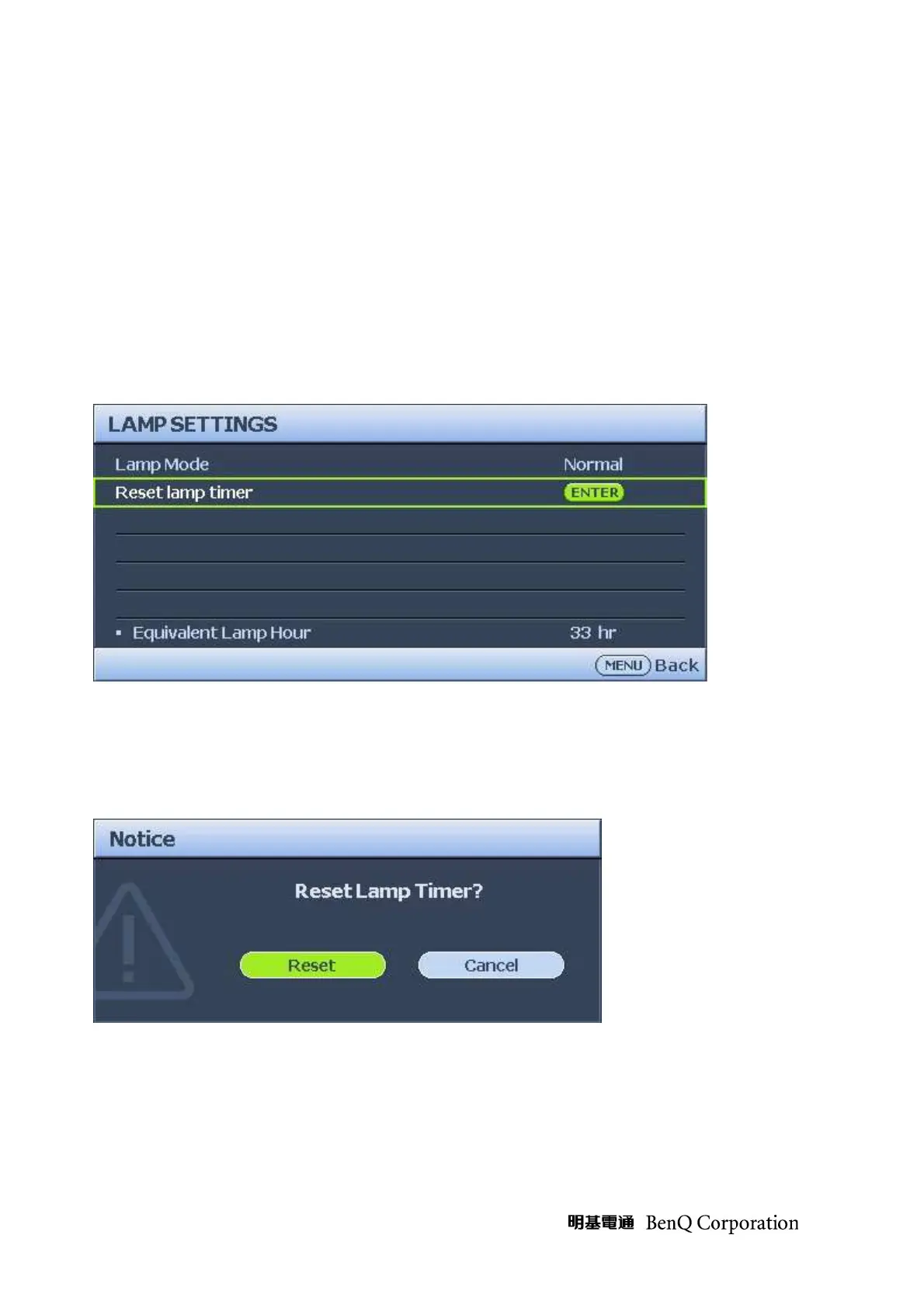
After replacing the lamp, you should reset the lamp hour counter to zero.
Refer to the following.
1. Press the Menu button to open the Image menu.
2. Press the cursor ◄► button to move to the SYSTEM SETUP: Advance.
Press the cursor ▲▼ button to move down to Lamp Settings
3. Press the MODE/ENTER button. A message screen appears.
4. Highlight Reset and press MODE/ENTER button.
5. The Lamp Hours reset to zero.



 To Next Page