77
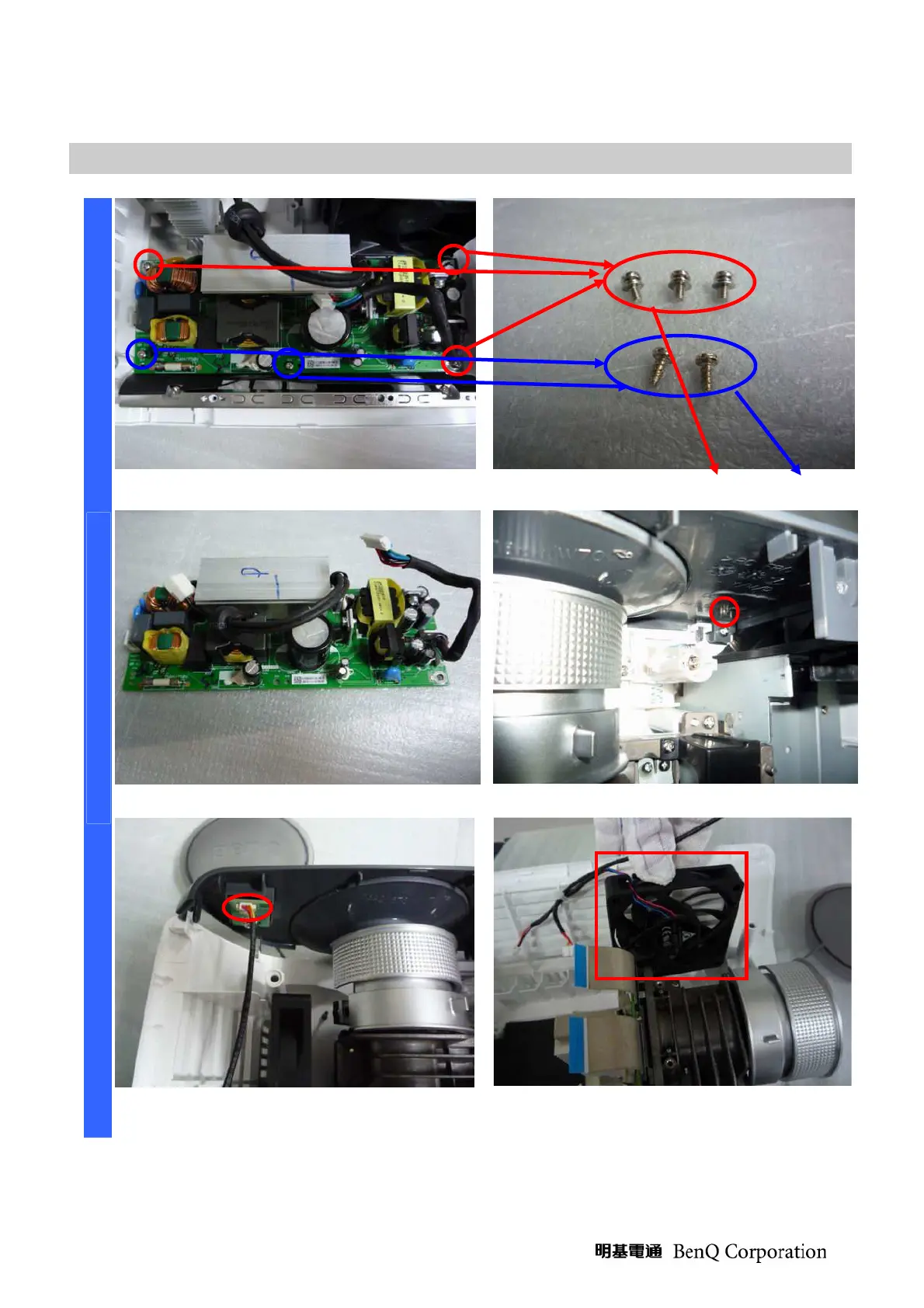
Removing the Power Board, front cover and engine fan
Remove the five screws. Review five screws (S03) and (S05). *4
Review the power board. Remove the screw (S02).
D
I
S
A
S
S
E
M
B
L
Y
Be careful this connector when you
assembly the projector. *5
Be careful the Engine Fan’s position when
you assembly the projector.



 To Next Page