ATIS TOP - Fancier
AFTER SWITCHING ON
26
HB_TOP_ZUECHTER-E_22.doc
Gantner Pigeon Systems GmbH
7. AFTER SWITCHING ON
7.1 Switching On
For security reasons the ATIS-TOP is neither equipped with an on/off button nor with a
switch. As soon as the ATIS-TOP is supplied with the suitable voltage it is ready for use.
For that purpose connect a T-adaptor (ANN/CNN/INN) to the ATIS-TOP which you then
connect to a 12 V-(DC) transformer or to a 12V-battery.
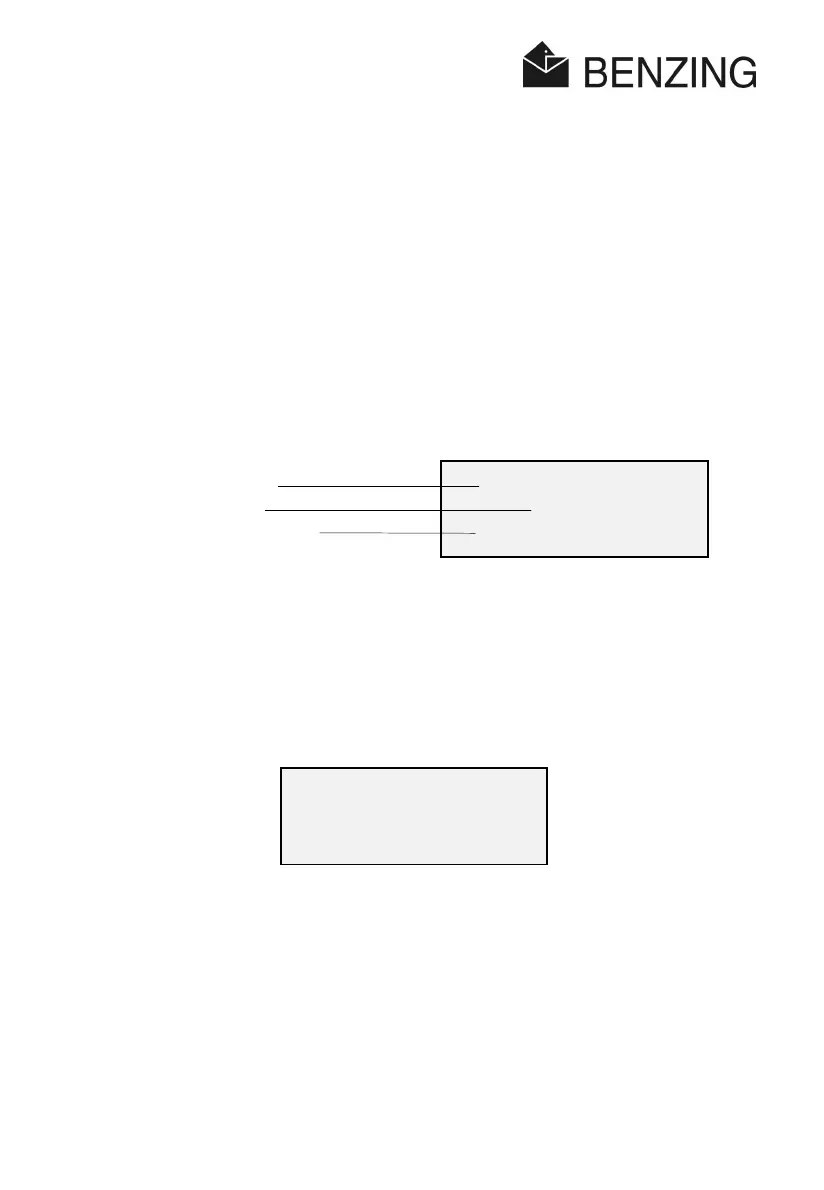
Then the following display will appear for a short time:
After 2 seconds you will hear a short beep.
7.2 Antenna Search
Now the ATIS-TOP searches for the connected loft-antennae.
The increasing line of points in the bottom line of the display indicates that the search is
going on.
After approx. 5 to 20 seconds (depending on the number of connected antennae) the result
of the search will be displayed:
Franz Maier
TOP
Version: 1.01
Name (if entered)
Name of device
Version number of device
Franz Maier
TOP
comms setup
...................



 To Next Page