ATIS TOP - Fancier
AFTER SWITCHING ON
HB_TOP_ZUECHTER-E_22.doc
29
Gantner Pigeon Systems GmbH
8. MAIN MENU
8.1 Term “Menu”
In this manual the term
„Menu“
is generally used for a list of functions, operations,
operating statuses, entries etc. that can be selected.
After switching on (plugging ) the device, the ATIS-TOP is in the
initial status.
8.2 Main Menu
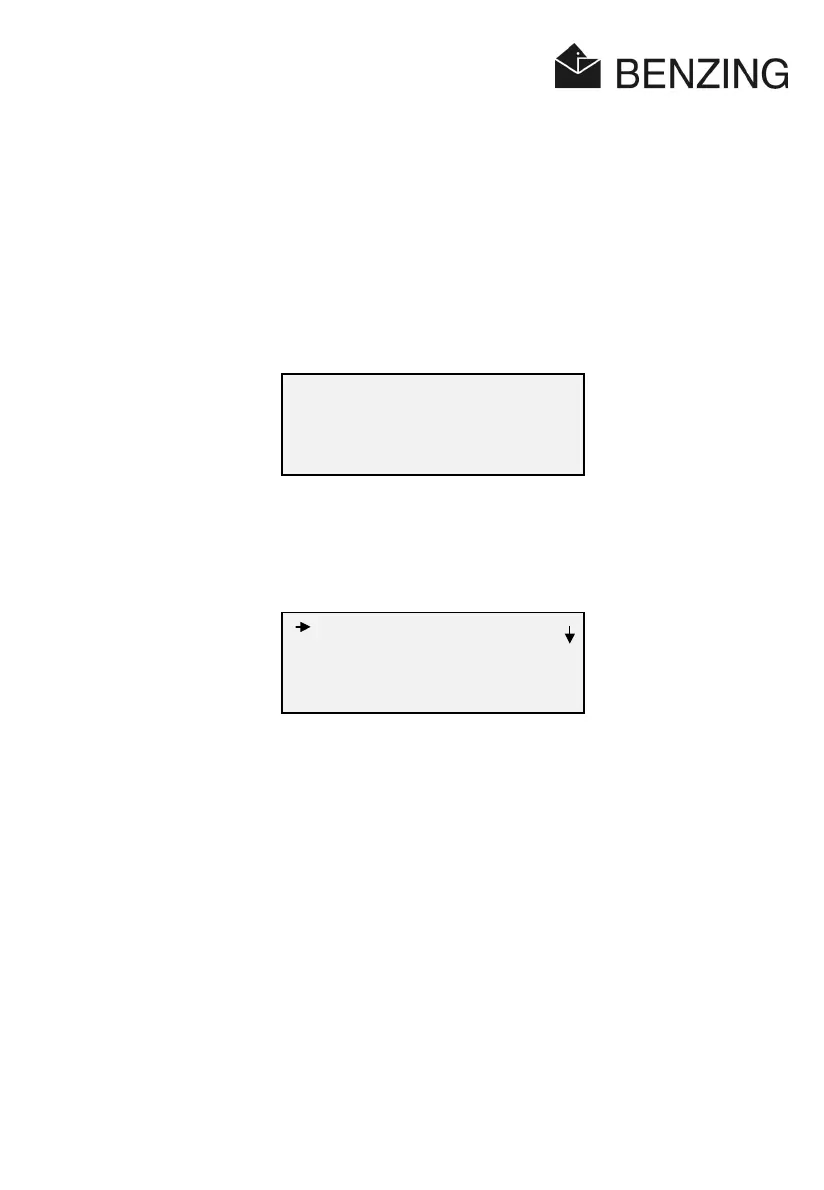
Pressing an arbitrary key you`ll get into the
main menu
:
8.3 Sub-Menus
The following
sub-menus
can be selected:
Sub-Menu Description
1. Training: Carrying out test flights/speed-list
2. List: Displaying or printing of different lists
3. Pools: Entering bets and gambles
4. Erase : Deleting lists and entries
5. Check: Checking the different elements of the system
6. Configuration: System data such as date and time of day, fancier`s name , user
language , printer etc. can be set
7. Sex/Colour: Enter or change sex of pigeon and colour
TOP
No race in progress
01.12.02 14:56:22
active antennae: 02
Training
List
Pools
quit select



 To Next Page