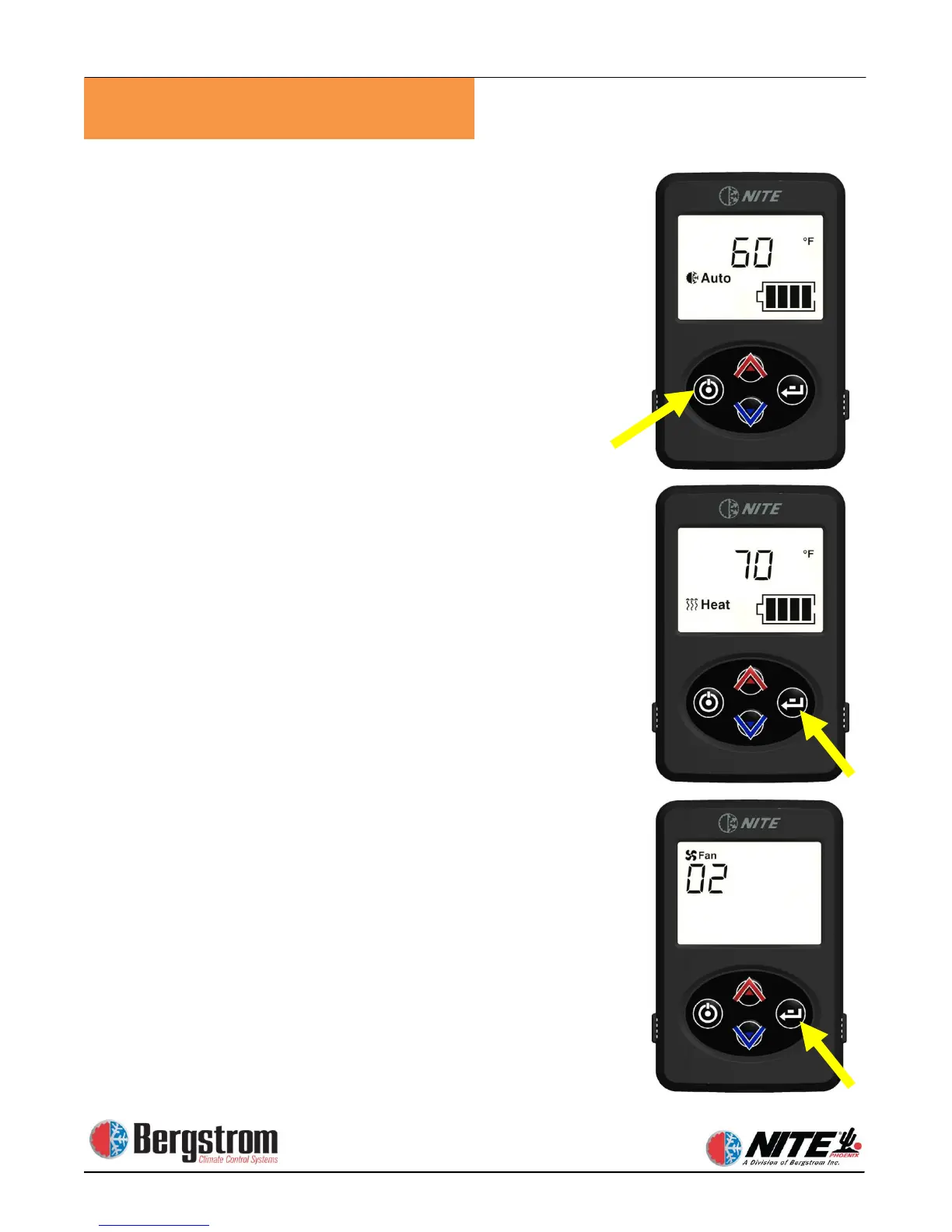
To start the system push ON/OFF button. Display will
show current mode/ temperature setting / battery level.
Initial default setting is blower speed 1/ AUTO- MODE /60 °F
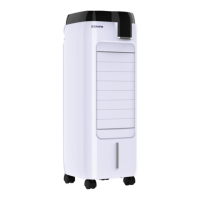
Changing MODE – press ENTER, while mode is flashing
use up or down arrows to select AUTO / COOL / HEAT.
After 5 seconds selection will be set.
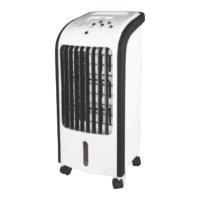
Changing BLOWER SPEED – press ENTER until display
shows FAN and SPEED. Press up or down arrows to
select 1 – 2 – 3 speed. After 5 seconds selection will be
set.


 To Next Page