Connect Battery Management System
to Start Batteries. 2 wire harness from 8
pin connector. This harness routes from
the BMS in the Aux battery box to the
truck starting battery box.
This harness
The red connects
through the supplied, field installed, 5
amp mini fuse and holder (A) to any 12
volt POS post in the truck starting battery
box. The black connects to any 12 volt
NEG post in the battery box. It is vital
that these wires connect in each box.
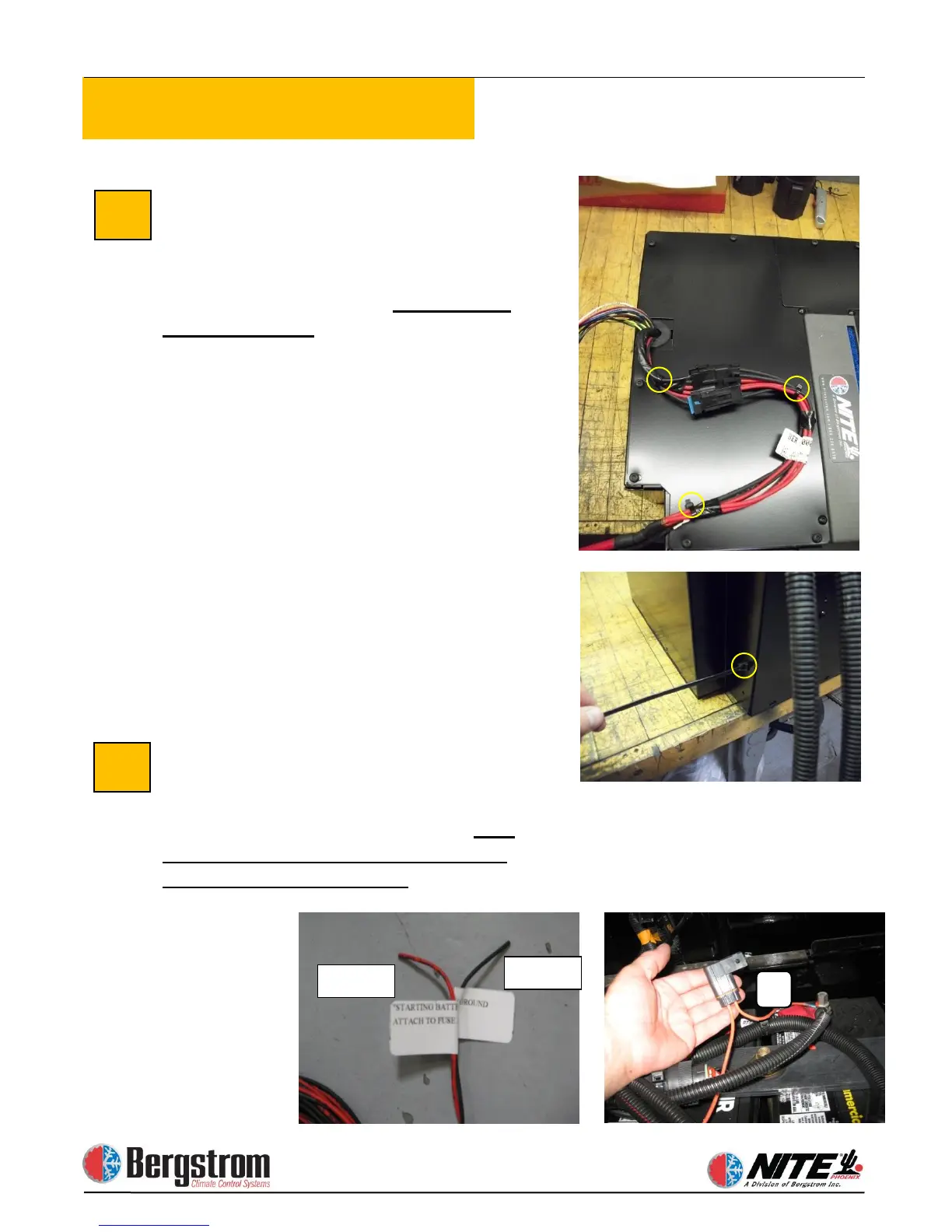
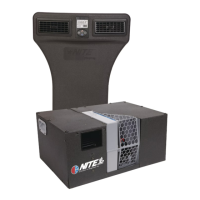
Attach Can Bus Cable to Unit.
Connect can bus harness, coming from
the BMS, into connector at the NITE
Phoenix unit – it only fits one way.
Also
connect the digital controller harness
installed in an earlier step.


 To Next Page