Draft version 01 Operatots Manual / SmartMonitor SITE L page 15 of 26
12.2 Start SmartMonitor SITE L with scheduled start
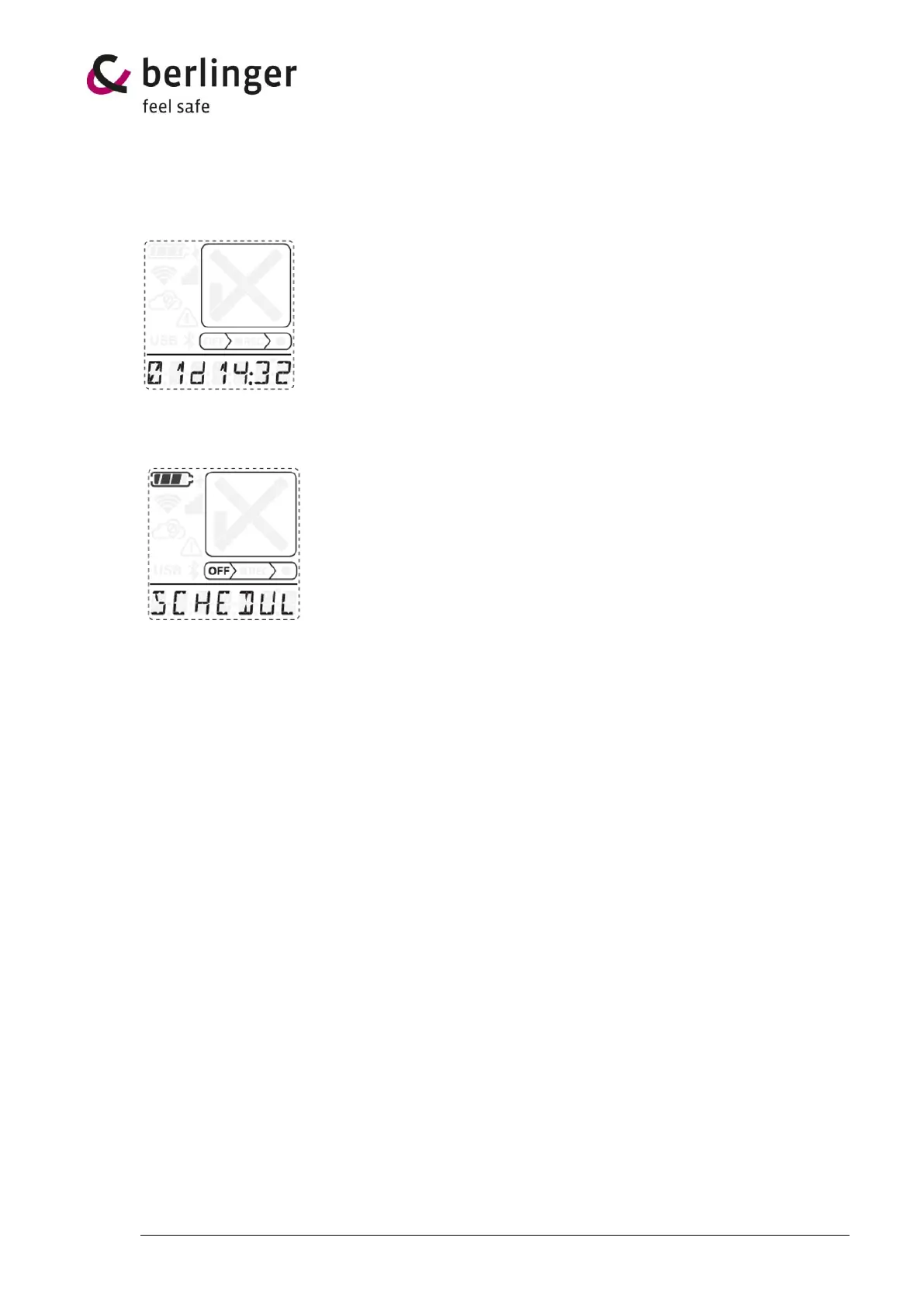
If a scheduled start is configured a counter in days:hours:minutes (e.g., 01d14:32 = start in 1 day 14
hours and 32 sec) will be displayed on the 7-segment display.
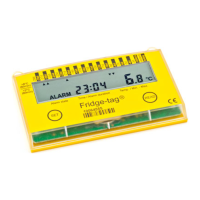
By a short press to the multifunctional button, the information SCHEDULED START will show as ticker
on the display with above information about the time till the device will start recording.


 To Next Page