Draft version 01 Operatots Manual / SmartMonitor SITE L page 9 of 26
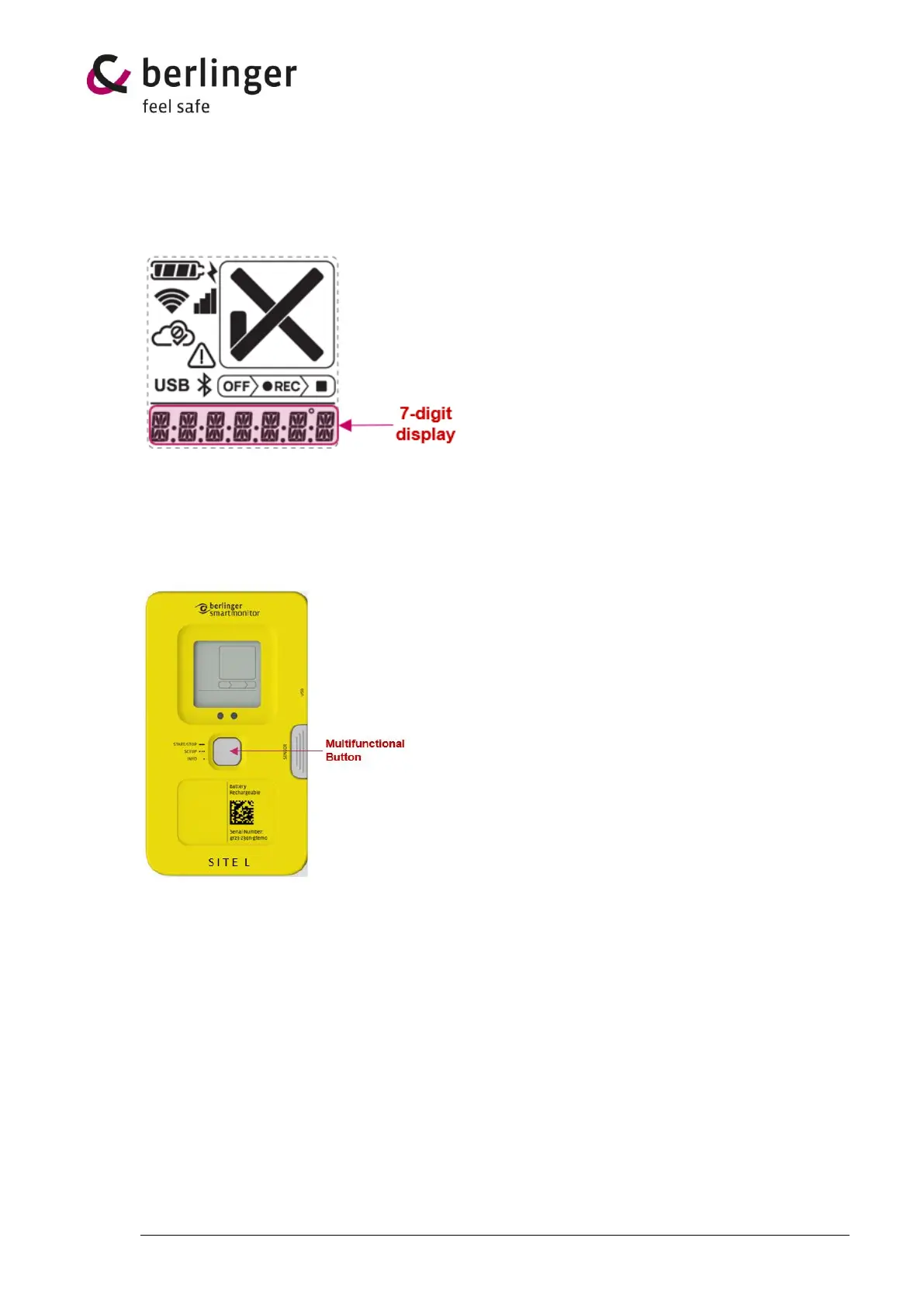
4.1 7-digit display
The 7-digit display gives additional information about the status or other data.
In normal logging operation it displays the temperature.
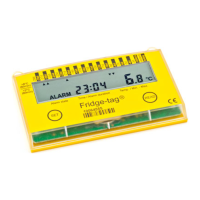
5 Multifunctional button
SmartMonitor SITE L device has one multifunctional button to operate.
• Long press to multifunctional button
One long press (> 5 sec.) to multifunctional button will start or stop the device.
• 3 short press to multifunctional button
Three short press to the multifunctional button will start setup process
• 1 short press to multifunctional button
One short press to the multifunctional button, device will show information on the display or
skip to the next information.
1 x long press → Start / Stop the device
3 x short press → Setup – Load configuration
1 x short press → Information


 To Next Page