Draft version 01 Operatots Manual / SmartMonitor SITE L page 24 of 26
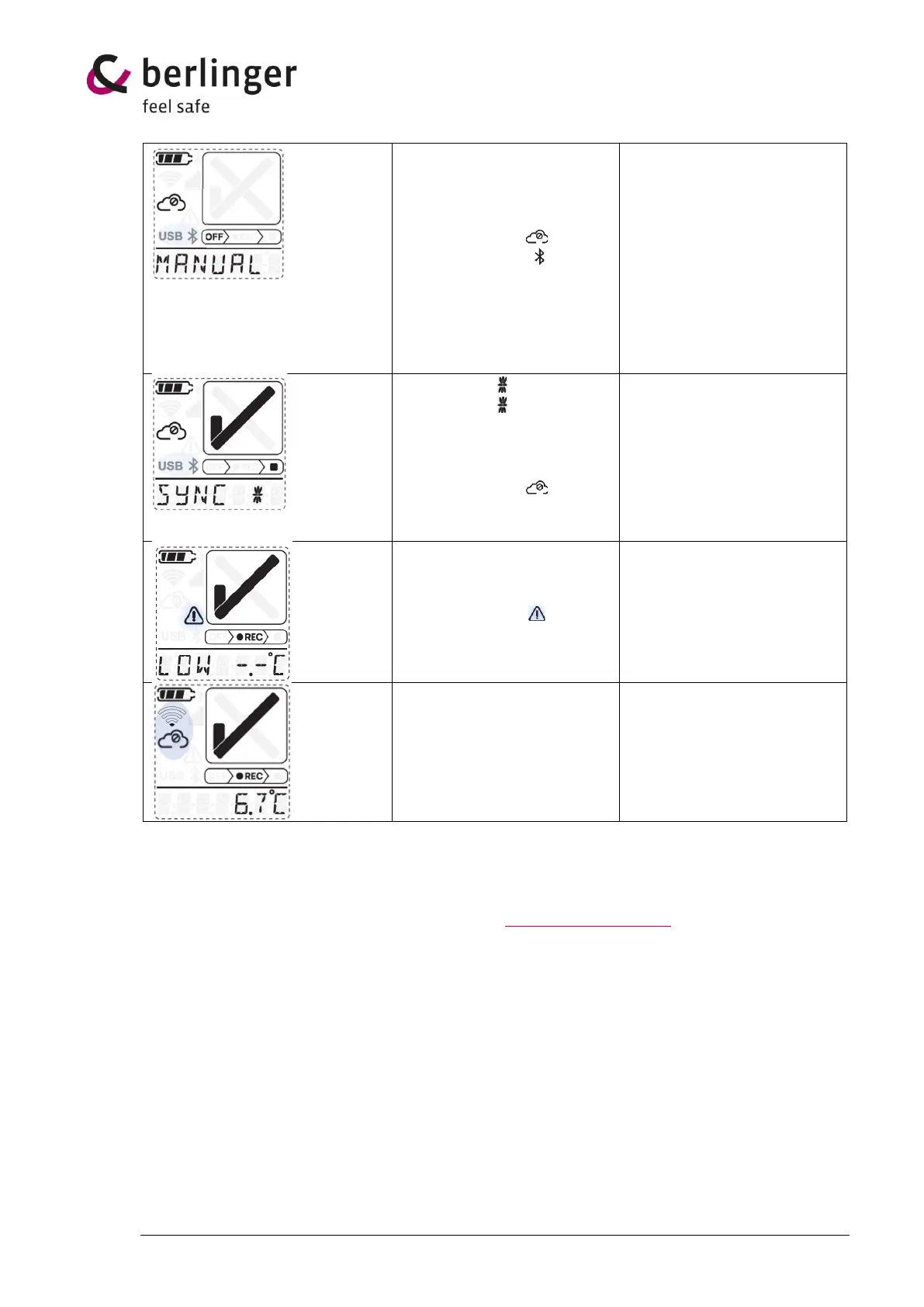
MANUAL SYNC
MANUAL SYNC will be shown
on the 7-segment display, the
cloud symbol crossed out
circle is displayed and USB
and Bluetooth sign is
blinking.
Configuration is needed.
Load configuration.
Press quickly 3 times the
multifunctional button
Or check if a configuration is
available for that device in
Berlinger SmartView software
(version 6.0 and higher).
if no communication to
SmartView Cloud is possible,
configuration needs to be
loaded manually
Manual SYNC
Manual SYNC will be shown
on the 7-segment display as a
ticker information and at the
cloud symbol crossed out
circle is displayed .
Manual upload of data is
needed.
Manual upload with USB or
Bluetooth is needed.
Upload the data manually to
Berlinger SmartView software
(version 6.0 and higher).
Upload via Bluetooth will be
available in a later version.
LOW -.-°C
LOW -.-°C will be shown on
the 7-segment display and the
exclamation mark is
blinking.
The measured temperature is
out of specified temperature
range of SmartMonitor SITE L
device.
No WIFI connection
No connection to Berlinger
SmartView software.
Press the multifunctional
button 5 times shortly to
reset WIFI connection.
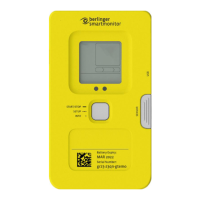
On the back of the device is a 3D-code which links to the Berlinger website where more information
about this device is available.
If more help is needed, contact Berlinger support at support@berlinger.com


 To Next Page