18
USING THE LCD DISPLAY
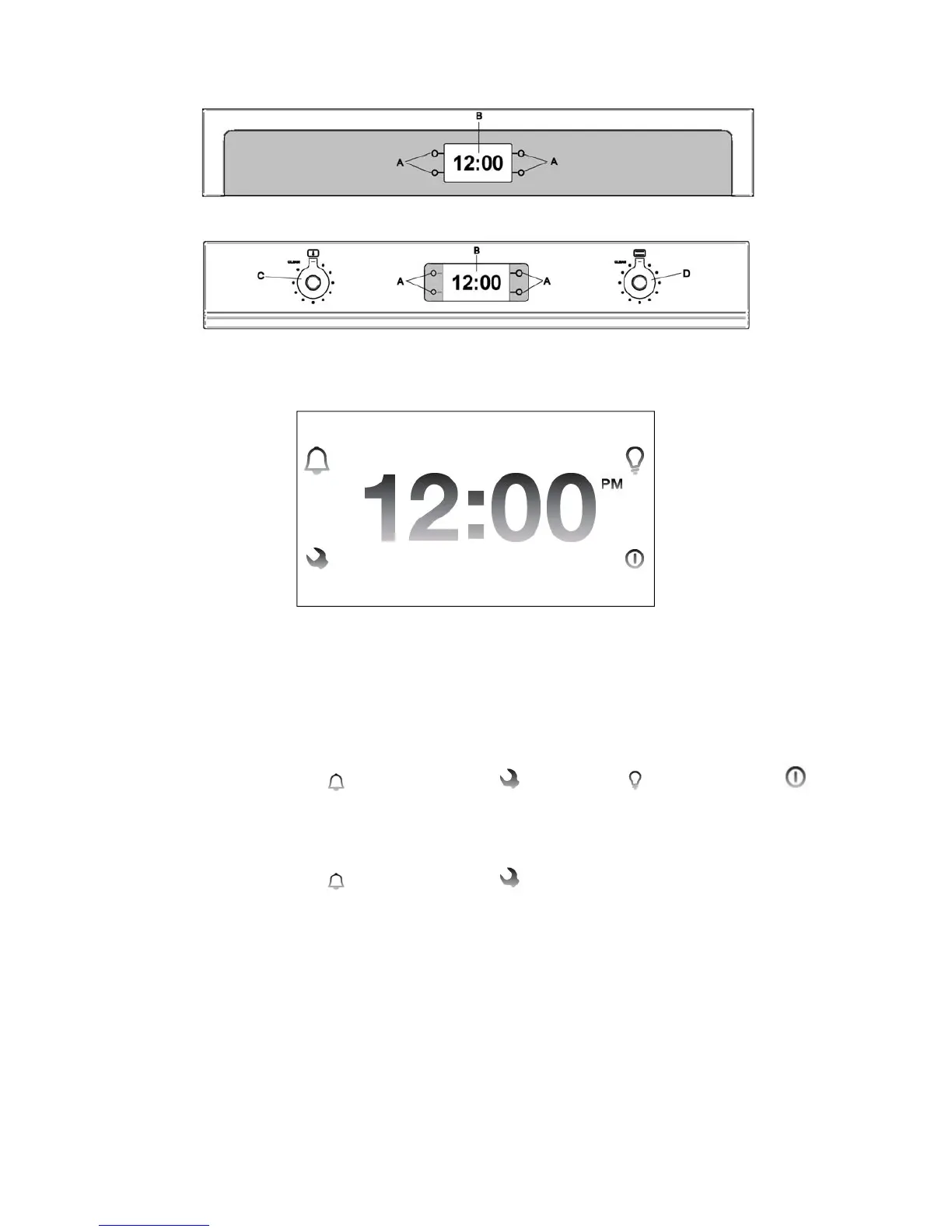
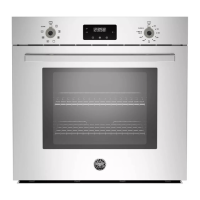
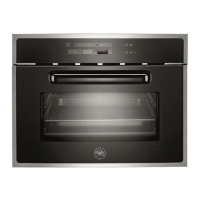
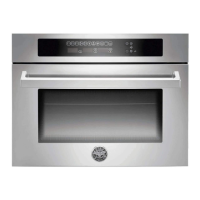
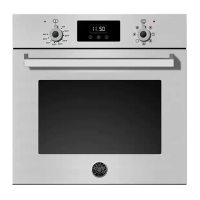
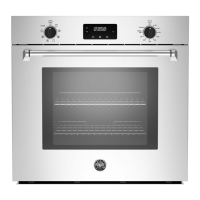
DESIGN SERIES OVENS (CON MODELS)
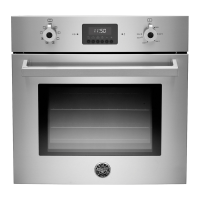
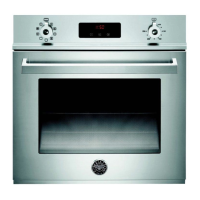
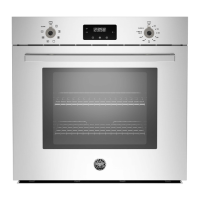
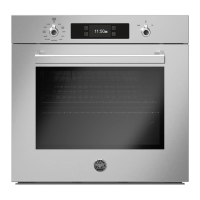
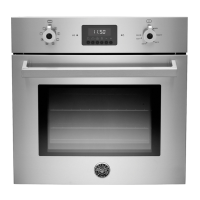
PROFESSIONAL SERIES OVENS (PRO MODELS)
A Touch control areas B LCD Display C Temperature knob D Cooking modes knob
START The LCD display can be operated 1 minute after the power supply is connected.
To activate the display:
DESIGN SERIES OVENS (CON MODELS)
Tap for 2 seconds any of the touch control areas (A). The following icons will
appear:
Timer Settings Light Start
PROFESSIONAL SERIES OVENS (PRO MODELS)
Turn the cooking modes knob (right side). The following icons will appear:
Timer Settings
Once activated each menu will show the icons necessary for navigation and
programming next to the touch control areas.
After 1 minute without operation the display will go in stand-by mode to reduce
power consumption and the touch control areas will turn off. Touch any control area
for 2 seconds to reactivate the display.


 To Next Page