User Manual for PH Warming Cabinets Beverage-Air
Rev. 01/21Beverage-Air14
ELECTRONIC CONTROLLER PARAMETER CHANGES
Note: Key pad has a 3 second lock feature. Set key must be pressed for 3 seconds and released before keys will become
active. Key pad will beep when unlocked and normal key pad operations performed.
Setting the Operating Set Point
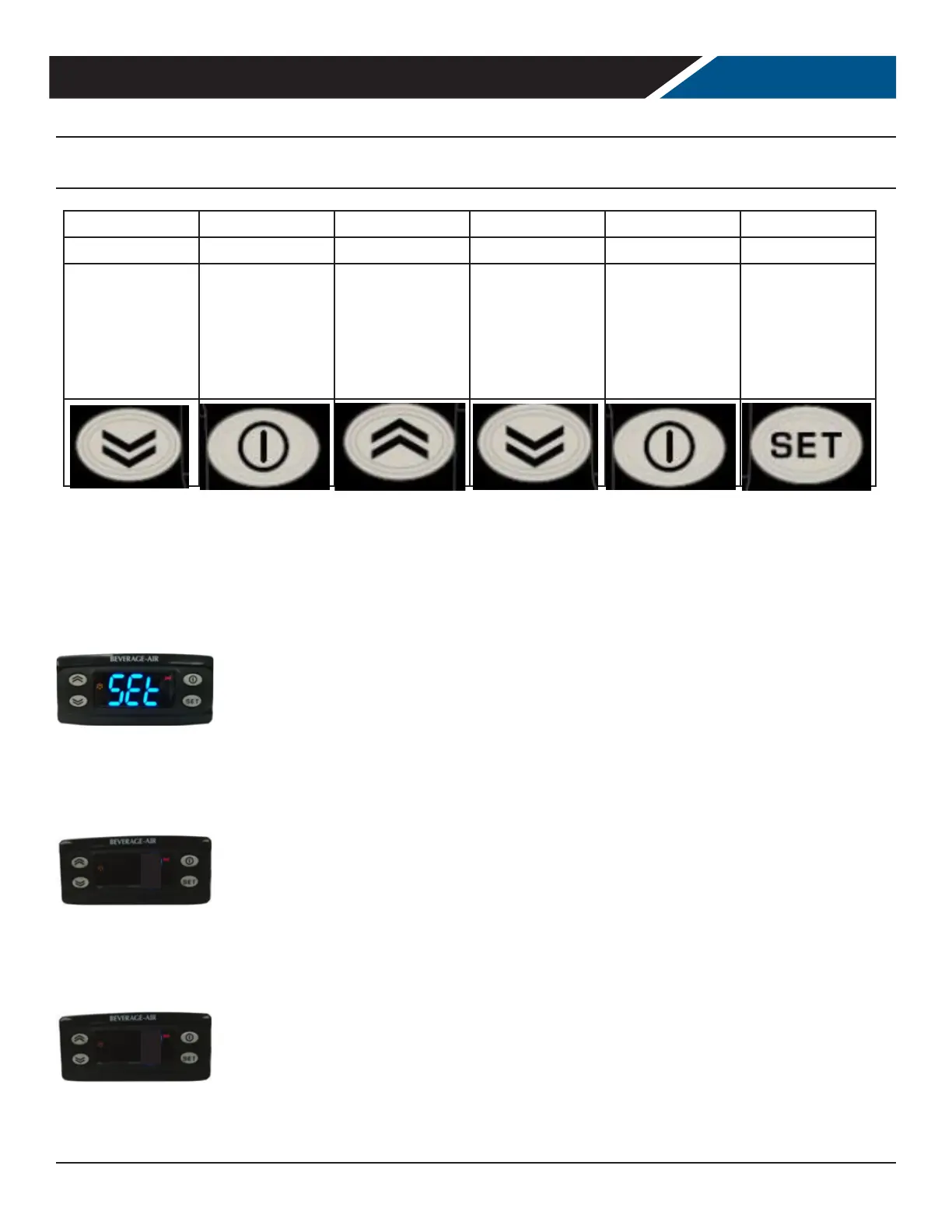
To change the operating set point, press and release the set button to enter the machine menu. “set” will appear on the
display.
Press and release the set button again to view the set point.
Use the up and down button to change the set point. When adjustment is nished, use the escape button to exit out of the
machine status menu.
160
160
LIGHT STANDBY UP DOWN ESC SET (Enter)
Press and Hold Press and Hold Press and Release Press and Release Press and Release Press and Release
Long press (>5
sec) Toggles light
on and o.
Places unit in
Standby Mode. If
LED is on. Device
is o.
Scrolls the menu
items Increases
the values.
Scrolls the menu
items Decreases
the values.
Returns up one
level with respect
to the current
menu. Conrms
the parameter
value
Accesses
the machine
status menu
and displays
any alarms (if
present)


 To Next Page