EasyManua.ls Logo

Beverage-Air PH - Sequence of Operations

Beverage-Air PH
27 pages
Print Icon
To Next Page IconTo Next Page
To Previous Page IconTo Previous Page
Loading...
User Manual for PH Warming Cabinets Beverage-Air
Rev. 01/21Beverage-Air18
SEQUENCE OF OPERATIONS
The cooler operates based on the air temperature measured by the probe located at the return air.
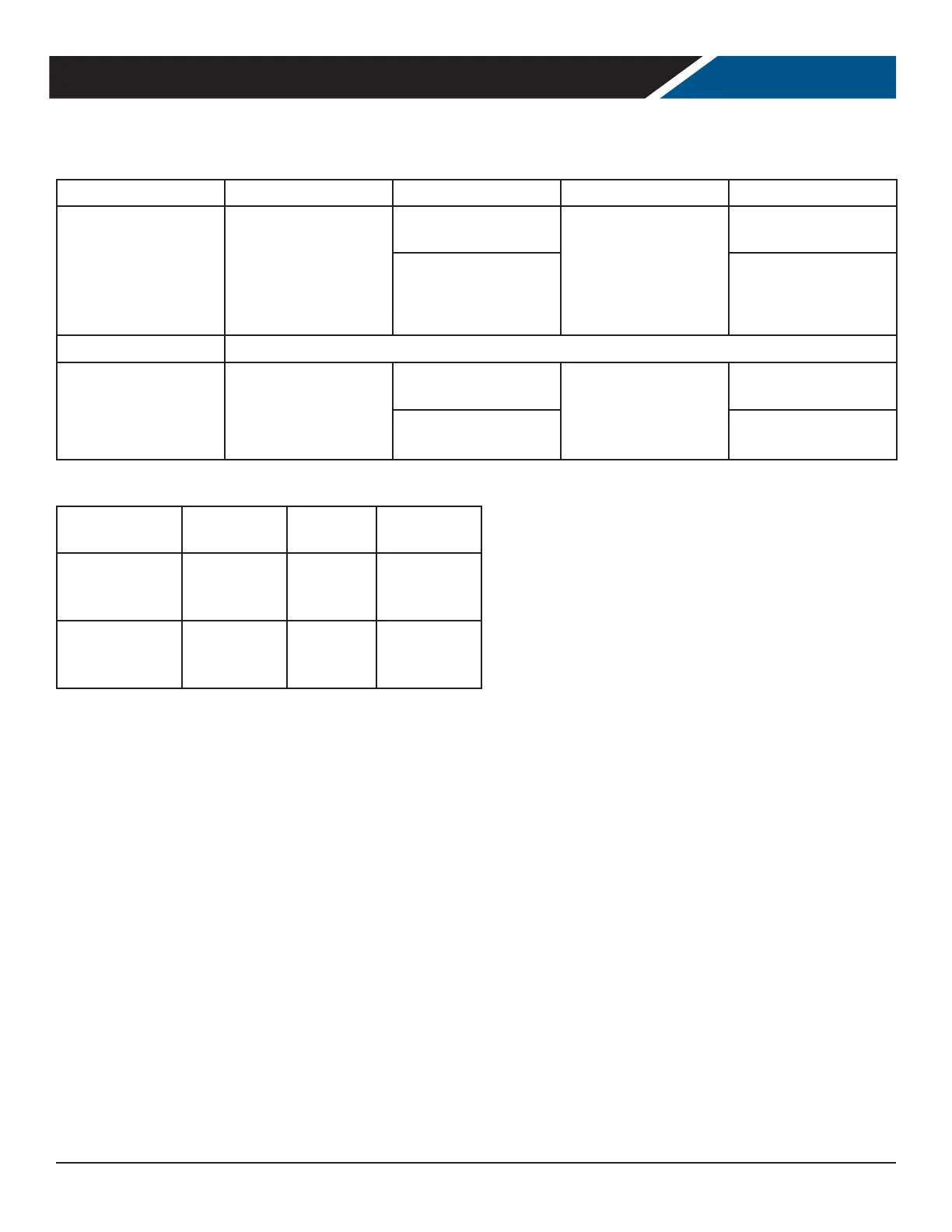
Operation Controller Action Operation Controller Action
Heating Elements Elements turn on
when the cabinet
temperature is below
the dierence of the
set point and the dead
band
The element Contact is
energized
Elements turn o
when the cabinet tem-
perature is equal to or
above the set point.
The element Contact is
de-energized
RTN400 terminals
10, 11
RTN400 terminals
10, 11
Circulating Fan
The Circulating fan runs continuously when the unit is plugged in
Light
The light will turn
on when the door is
open or door button is
pressed
The Light Contact is
energized
The light will turn
o when the door is
closed or the door
button is pressed
The Light Contact is
de-energized
RTN400 terminals
13,14
RTN400 terminals
13,14
Condition Heating
Element
Circulating
Fan
Lights
Cabinet Temp <
Set point - dead-
band
ON ON ON or OFF
Cabinet Tem-
perature >= Set
point
OFF ON ON or OFF