18/30 Operation
Pairing
9 Xelento wireless is switched o.
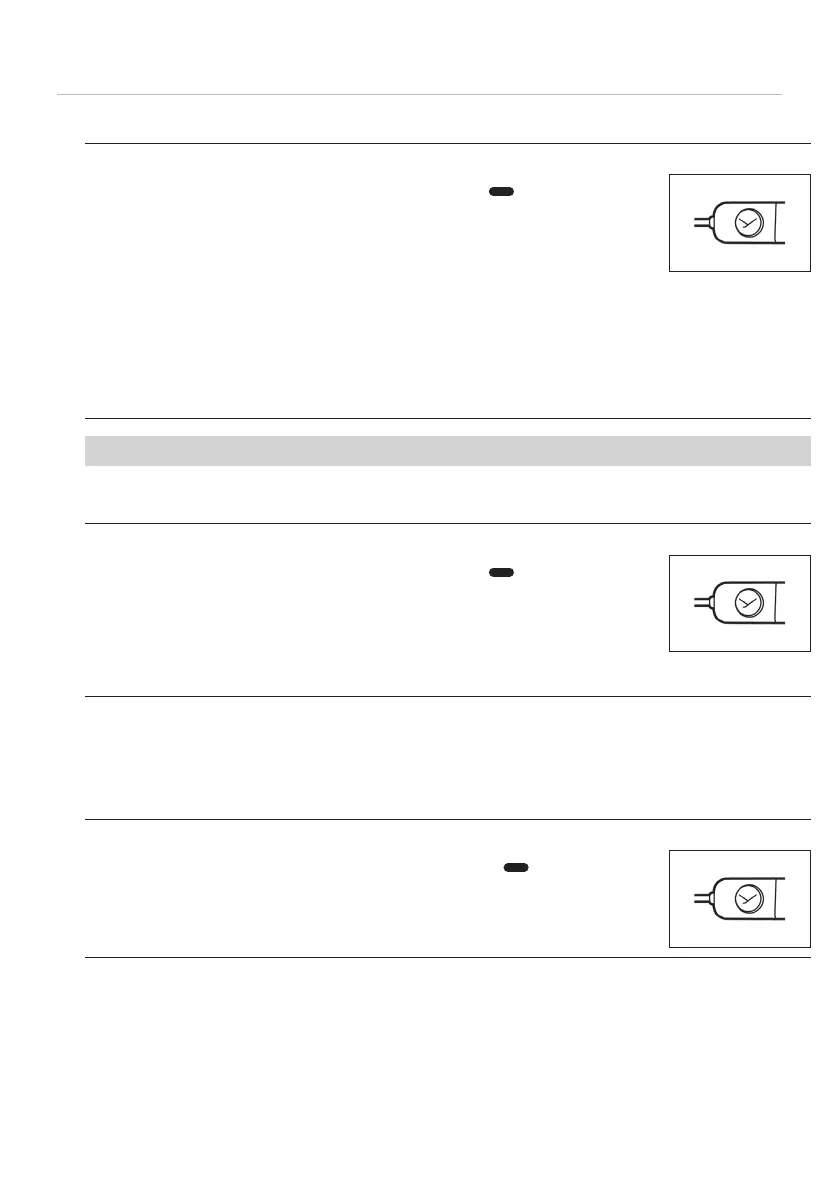
1. Press and hold the on/o button for 6seconds (
) to a pairing
mode via Bluetooth®.
Status LED slowly flashes alternately blue and red.
2. Activate the Bluetooth® function on the playback device and search
for new devices if necessary.
3. In the Bluetooth® menu of the playback device, in the pairing li,
select “Xelento wireless (2nd gen.)” from the available devices to
connect the two devices.
Aer a successful connection, the status LED briefly flashes blue
every 7 sec. Each time the device is switched on again, the devices
will connect as soon as they are within range of each other.
If the Bluetooth®connection has been lo, the LED briefly flashes blue every 3 sec.
Peorming Google Fa Pair
9 Xelento wireless is switched o.
1. Press and hold the on/o button for 6seconds (
) to a pairing
mode via Bluetooth®.
Status LED slowly flashes alternately blue and red.
2. In pairing mode, place Xelento wireless near a Fa-Pair-enabled
smaphone.
3. Tap on the smaphone to eablish the connection.
Deleting the pairing li
If there are already several playback devices in the li of your Xelento wireless, and it
cannot be paired with another new playback device, the li is full and should be cleared
so that the new playback device can be added.
9 Xelento wireless is switched o.
► Press and hold the on/o button for >10 seconds (
).
The list of already paired Bluetooth® devices (maximum 8) is deleted,
and the in-ear headphones switch to Bluetooth® connection mode.















 To Next Page