19/30Operation
English
Multipoint operation
Xelento wireless can be paired with up to eight Bluetooth®-enabled devices.
Active connections are possible with up to two devices at a time. However, playback of
music and phone operation is only possible with one device at a time. Phone operation
has priority over playback of music, i.e. playback of music is interrupted during phone
calls.
Priority li when using the playback devices (PD):
Priority Profile Playback devices (PD)
1 HFP (phone operation) PD 1 (device used fir)
2 HFP (phone operation) PD 2 (device used second)
3 A2DP (playback of music) PD 1 (device used fir)
4 A2DP (playback of music) PD 2 (device used second)
Setting multipoint
1. Connect Xelento wireless with the fir device (see “Connecting to a device via
Bluetooth®” on page 17).
2. Deactivate the Bluetooth® connection on the fir device.
3. Switch o Xelento wireless.
4. Connect Xelento wireless with the second device (see “Connecting to a device via
Bluetooth®” on page 17).
5. Reactivate the Bluetooth® connection of the fir device, which automatically connects
to Xelento wireless.
6. Once both devices are paired with the in-ear headphones, the in-ear headphones
automatically connect with both devices every time they are switched on.
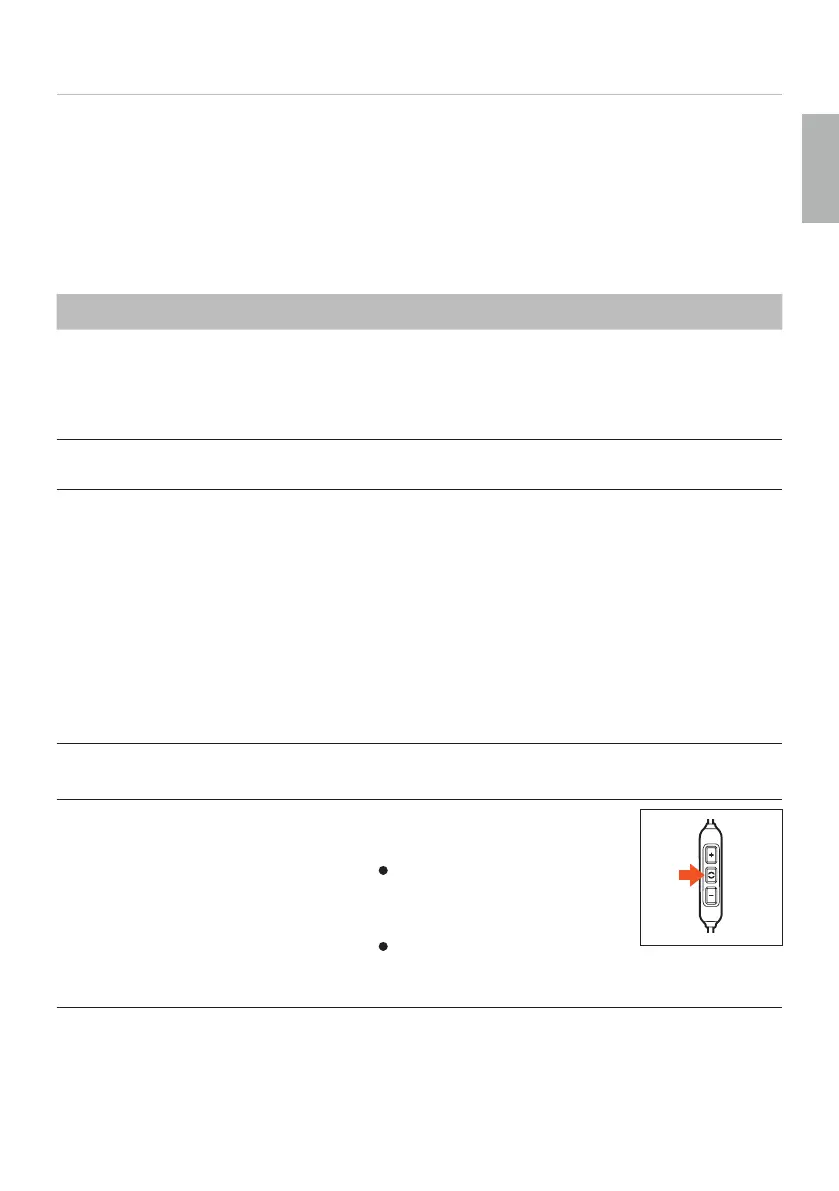
Using multipoint
9 You have connected Xelento wireless to two devices and activated
media playback.
► Briefly press the middle button once ( ) to accept an incoming call.
9 You have connected Xelento wireless to two devices and have ju
ended a call.
► Briefly press the middle button once ( ) to rea the media
playback that was la played.















 To Next Page