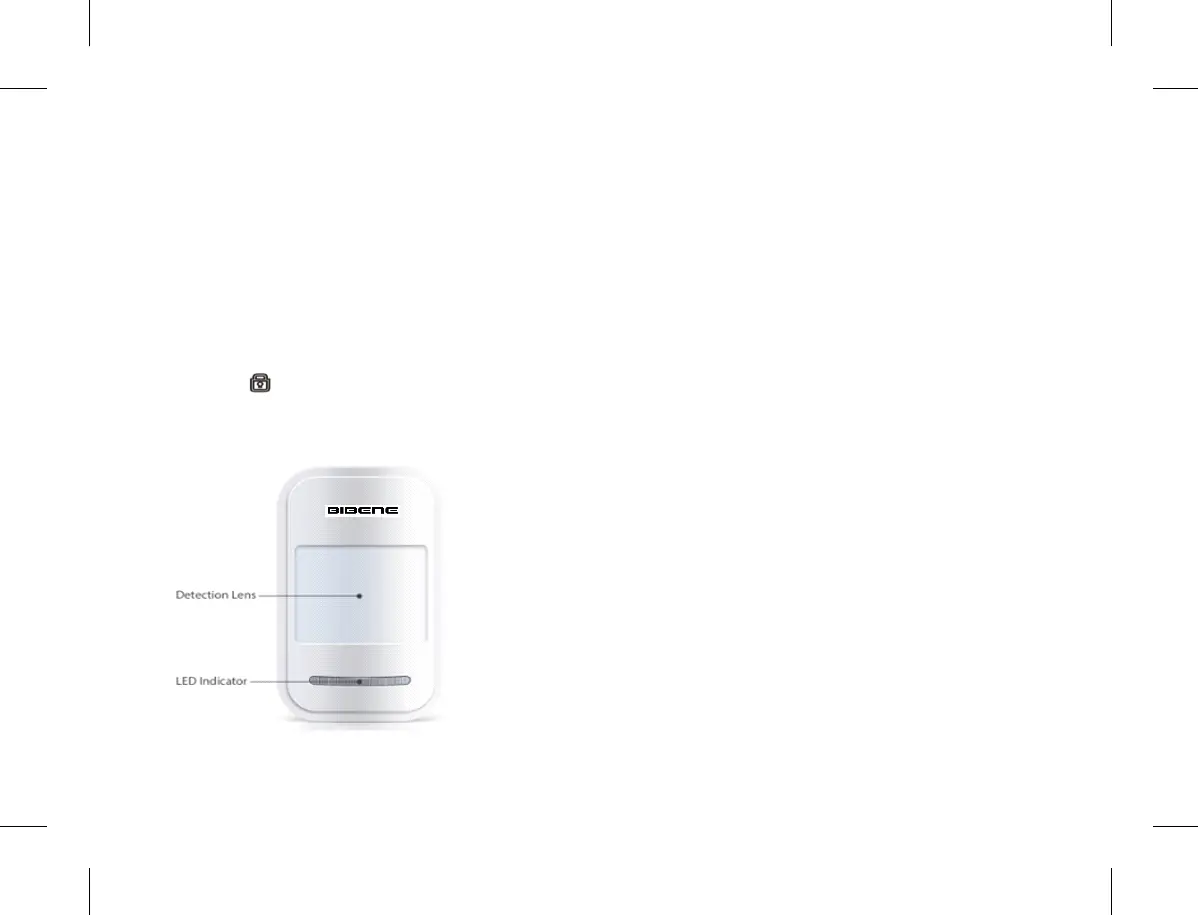
7.5 Add PIR Motion Sensor
1)Long press 【1】 button, No.1 LED indicator of main
panel is on, indicates the main panel is under learning
status.
2) Place PIR motion detection lens face to you .The No.1
LED indicator will flash 2time & door sensor emits 2times
beep sound,means binding successfully.If only 1 beep
so u n d,indicat e s lea r ning repeated; if 3t i mes be ep
sounds,means sensors are added to limitation 10pcs
already (For PIR motion detector adding,just put PIR
detector face to you,it will binding successfully.)
3) Press Press button to quit setting. Done.
7.6 Delete PIR Motion Sensors
1) Long press 【1】 button on main panel, No.1 LED
indicator of main panel will be on, means the main panel
is under learning status.
2) Release press
3) Again long Press 【1】 button again, the main panel
indicator will flash 4times & with 4times beep sounds.All
the sensors in Zone 1 are deleted.
Tips: All above steps are applies for ZONE 2,ZONE 3,
ZONE4.
8. Installation
Please Note:
-Avoid installing outside where easily to be destroyed
-Avoid installing closed to magnetic sources,such as
heaters, air conditioner,microwave oven which may
cause false triggering.
8.1 Main Panel Installation
Make sure the contact works properly before installing it.
1) Main panel supports the magnet to be placed both the
left and right side of main panel.Make sure the main
panel is close to magnet.
2) Paste the main panel and magnet separately on doors
or windows or any other open/close places with provided
double-sided tapes.
3) Done! Once the transmitter and magnet is separated
around 2cm by intruder ,the LED light in transmitter will
be on in Red. Alarm will be activated.
8.2 Door/window Sensor installation
Make sure the contact works properly before installing it.
4) There are triangle marks on the side of the transmitter
13 14


 To Next Page