7.2 Delete Remote Control
1) Long press the button on main panel, till the 4 LED
indicator light on, indicates the main panel is under
learning status.
2) Release pressing.
3) Again long press the button on main panel, the 4
LED indicator flash 4times & with 4 Beep sounds.Done!
7.3 Add Door/window Sensors
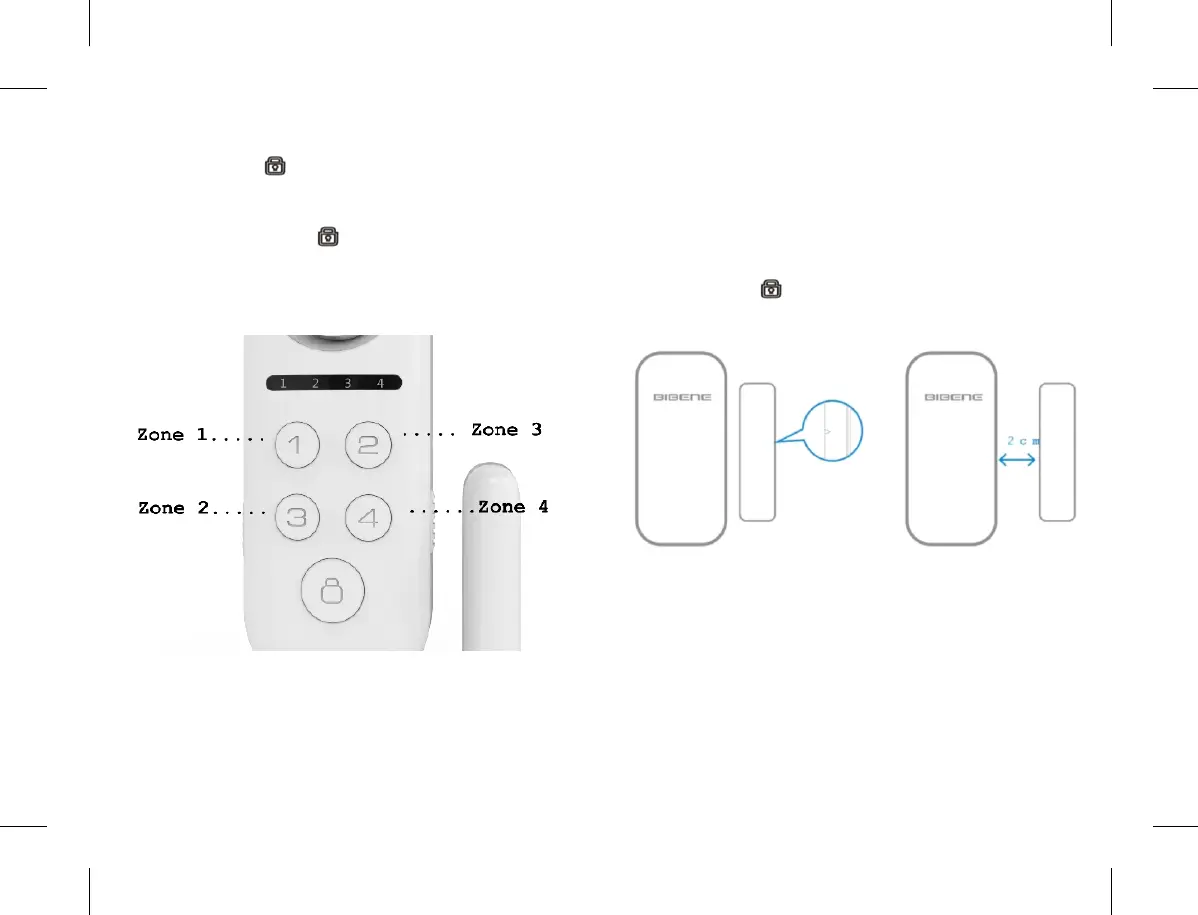
Add Door/Window Sensor for Zone 1
1) Long press 【1】 button, No.1 LED indicator of main
panel is on, indicates the main panel is under learning
status.
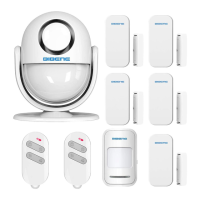
2) Put the magnet tightly close to transmitter firstly,then
move the magnet away (at least 2cm far away), then put it
close to transmitter again.The No.1 LED indicator will
fl a s h 2 t i m e & d o o r s e n s o r e m i t s 2 t i m e s b e e p
sound,means bi n d i n g s u c c e s sf u l l y.(If only 1 beep
so u n d,indicat e s lea r ning repeated; if 3t i mes be ep
sounds,means sensors are added to limitation 10pcs
already)
3) Press Press button to quit setting. Done.
Tips: Same step applicable to set forzone2,zone3,zone4.
7.4 Delete Door/window Sensors
1) Long press 【1】 button on main panel, No.1 LED
indicator of main panel will be on, means the main panel
is under learning status.
2) Release press
3) Again long Press 【1】 button again, the main panel
indicator will flash 4times & with 4times beep sounds.All
the sensors in Zone 1 are deleted.
Tips: All above steps are applies for ZONE 2,ZONE 3,
ZONE4.
11 12


 To Next Page