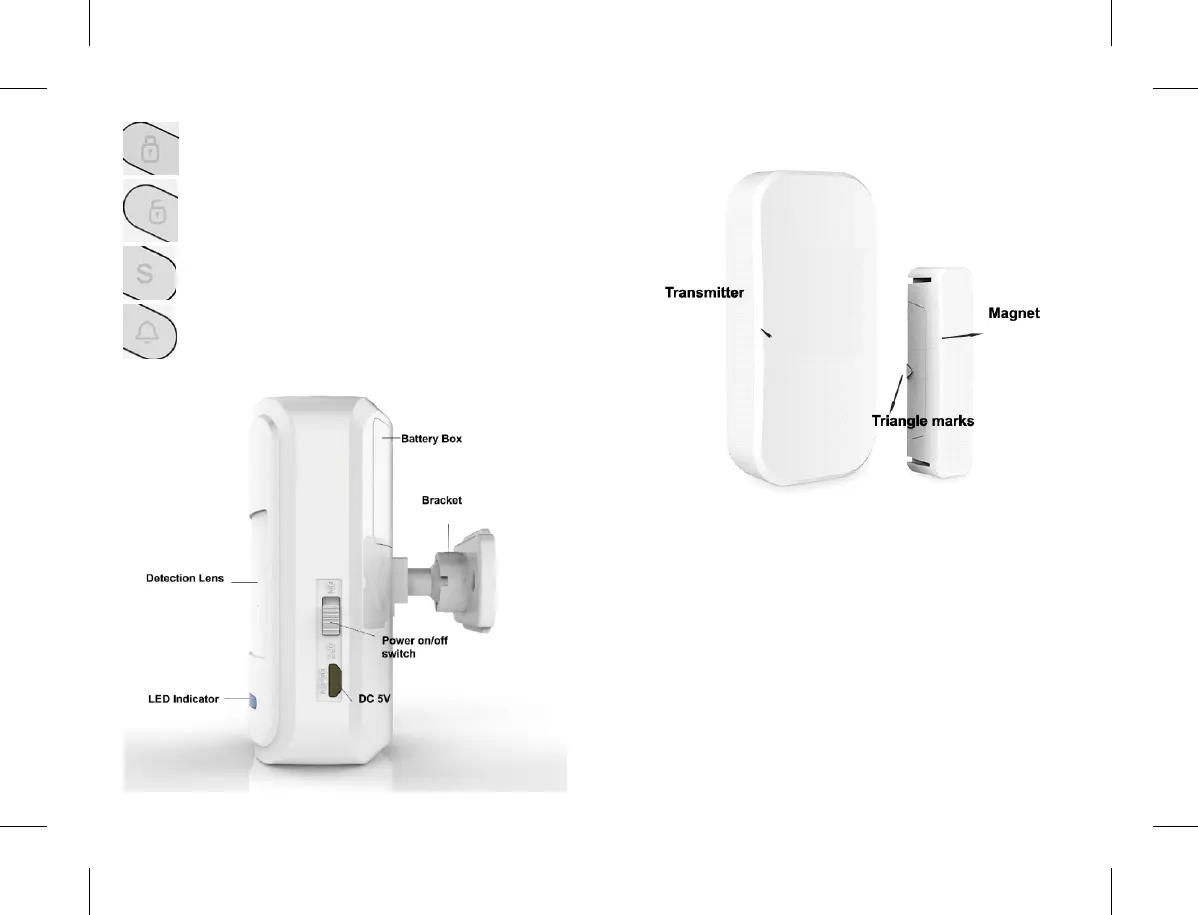
Ar m Del a y (A f te r p re s s, w il l arm a ft e r
30seconds)
Disarm directly after press
Arm Directly after press
SOS: Alarm directly after press(4 LED indicator
flash)
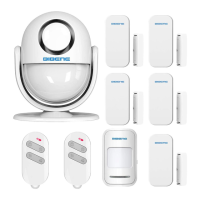
4.3 PIR Motion Sensor Button Instruction
4.4 Door/window Sensor Instruction
5. Quick Start by Easy Testing
We have paired all the sensors to main panel already.
Just do a easy testing to check the corresponding Zone
for each PIR motion or Door sensor. Then you can install
& DIY different features for each Zone for your home
security system.
5.1 Check Zone for Door/Window Sensor :
1) Power on the Main panel: The battery are already
loaded with a film, Just take off the film to power on the
main panel.
2)Put the transmitter tightly close to magnet (Make sure
the triangle marks are close to each other)
5 6


 To Next Page