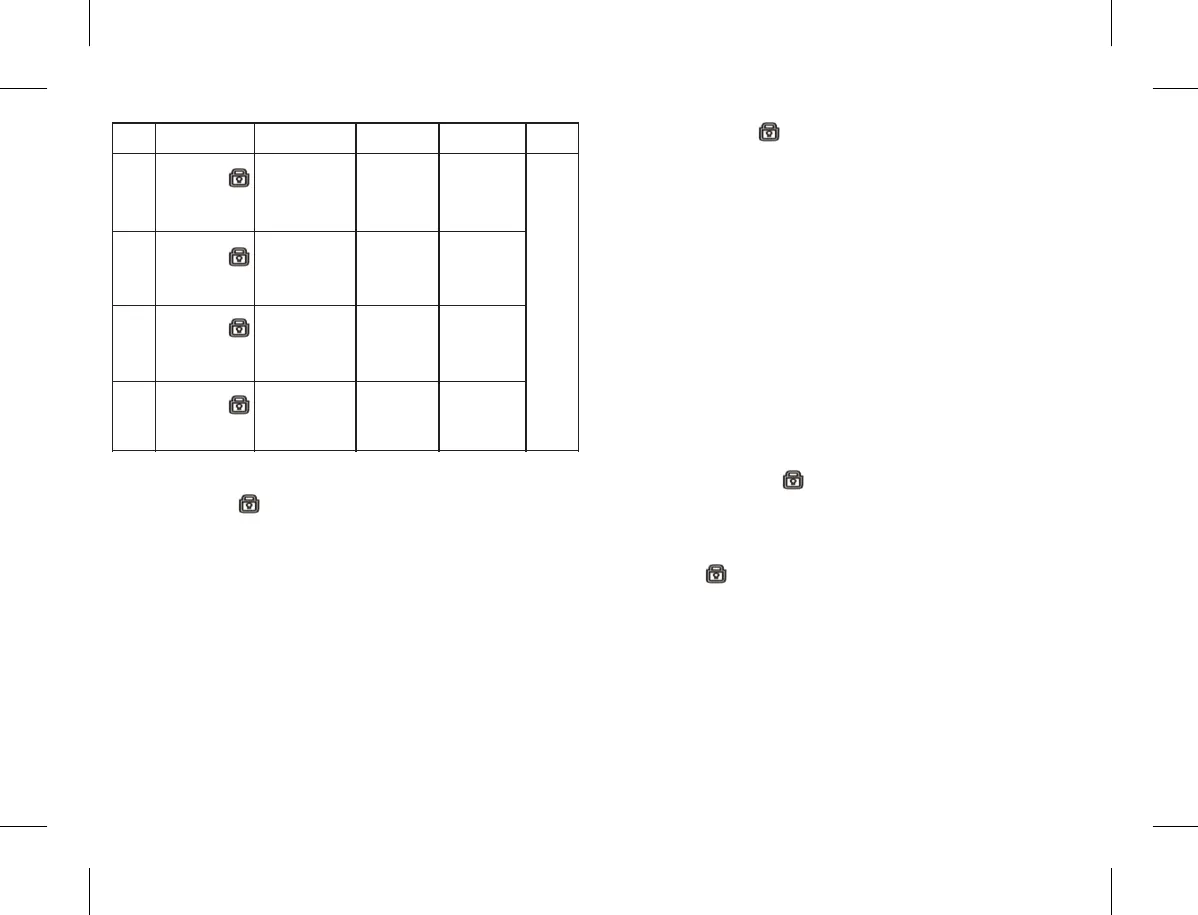
Zone
Zone1
Zone2
Zone3
Zone4
Method Prompt Zone Mode
Arm Delay
or not
Done
Long press
& [1]
simultaneously
LED indicator
of Zone 1 keeps
flashing
6.3 Zone Features Setting
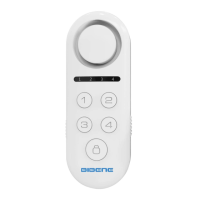
1) Long press on button and digit [1] on the main
panel simultaneously, the LED indicator of zone 1 will
keep flashing, that means entering the setting process of
the zone1 mode.
2) Then short Press the corresponding digital number
according to the mode you need ( Ordinary Mode is 1,
Emergency mode is 2, Doorbell mode is 3, Welcome
Mode is 4)
3) Then short press the corresponding digital number to
choose arm delay or not ( press 1 for No arming delay ,
press 2 for arm delay for 30seconds )
4)After above setting done, the main panel will emit a
long beep sound. Means Setting Done.
1. Ordinary
2. Emergency
3. Doorbell
Welcome
1.No Arming
delay
2.Arm delay
for30seconds
Long
Beep
sound
indicates
set
success
fully.
Then
short
press to
quit
setting.
Long press
& [2]
simultaneously
Long press
& [3]
simultaneously
Long press
& [4]
simultaneously
LED indicator
of Zone 2 keeps
flashing
LED indicator
of Zone 3 keeps
flashing
LED indicator
of Zone 4 keeps
flashing
1. Ordinary
2. Emergency
3. Doorbell
Welcome
1. Ordinary
2. Emergency
3. Doorbell
Welcome
1. Ordinary
2. Emergency
3. Doorbell
Welcome
1.No Arming
delay
2.Arm delay
for30seconds
1.No Arming
delay
2.Arm delay
for30seconds
1.No Arming
delay
2.Arm delay
for30seconds
5) Finally press button to quit setting process.Done.
Note:
Same steps to set features for zone 2, zone 3, zone 4.
7.Expand more accessory
Please Note:
-It only allows to add/delete sensors on status of
Disarming. Otherwise it will emit 3 beep prompt
tone to notice you incorrect operation.
-During learning, the short press or no operation will
cause quitting learning status.
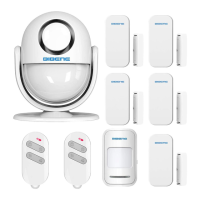
7.1 Add Remote Control
1) Long press the button on main panel, the 4 LED
indicator light on, means the main panel is under learning
status.
2) Press any key on remote control.The main panel LED
indicator flash 2times with 2 beep sound!
3) Press on main panel to quit setting. Done!
Note:
-If LED indicator flashes only 1time & with 1 beep sound,
means this remote control repeated.
- I f L E D i n d i c a t o r fl a s h e s 3 t i m e s & w i t h 3 b e e p
sound,means this remote control are already added to
limitation(10pcs)
-The main panel can expand remote control up to
10 pcs.W hen main panel is on learni ng status ,just
continue to press any button on remote control 2,3...10.
9 10


 To Next Page