MANUAL SETTINGS
Version: 1.0 (21-09-2005) 31
3.2.2 Changing settings in the installation menu
Moving from user menu to installation menu
• Press the ? key and the =-key simultaneously for five
seconds.
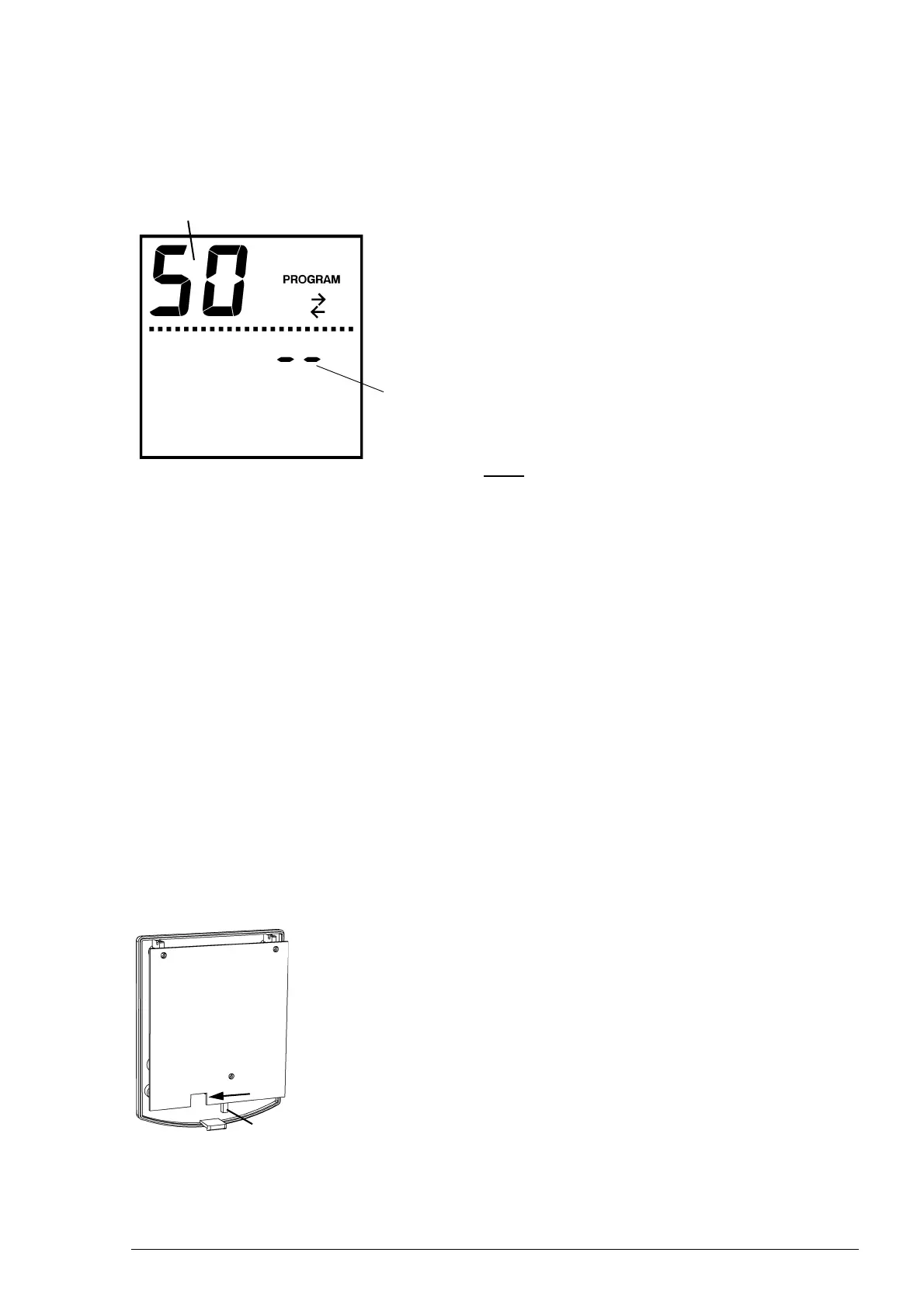
The text T appears in the display. You are now in
the installation menu.
Ta bl e 3-1 lists the functions in the installation menu. The larger
digits in the display indicate the function number, and the
smaller ones the setting.
Note:
n Depending on the unit type, some functions are either dis-
played or not.
Operation in the installation menu
• To go to the next function, press the ? key.
• To go to the previous function, press the | key.
• To change the value of the function, press + or -.
• To default the value, press + and - simultaneously.
• To return to the user menu and save the changes, press
the
? key for 3 seconds.
• To return to the user menu without saving any changes,
press the
= key.
If you do not press any key for two minutes, the controller
will automatically return to the user menu without saving any
changes.
3.2.3 Blocking access to menus
The access to the installation menu and timer menu can be
limited by turning a switch in the controller (see section
3.2.3).
1. Open the controller.
2. Move switch 1 to the Lock position.
3. Replace the controller.
Setting
Function
1
lock



 To Next Page