16.
ENGLISH
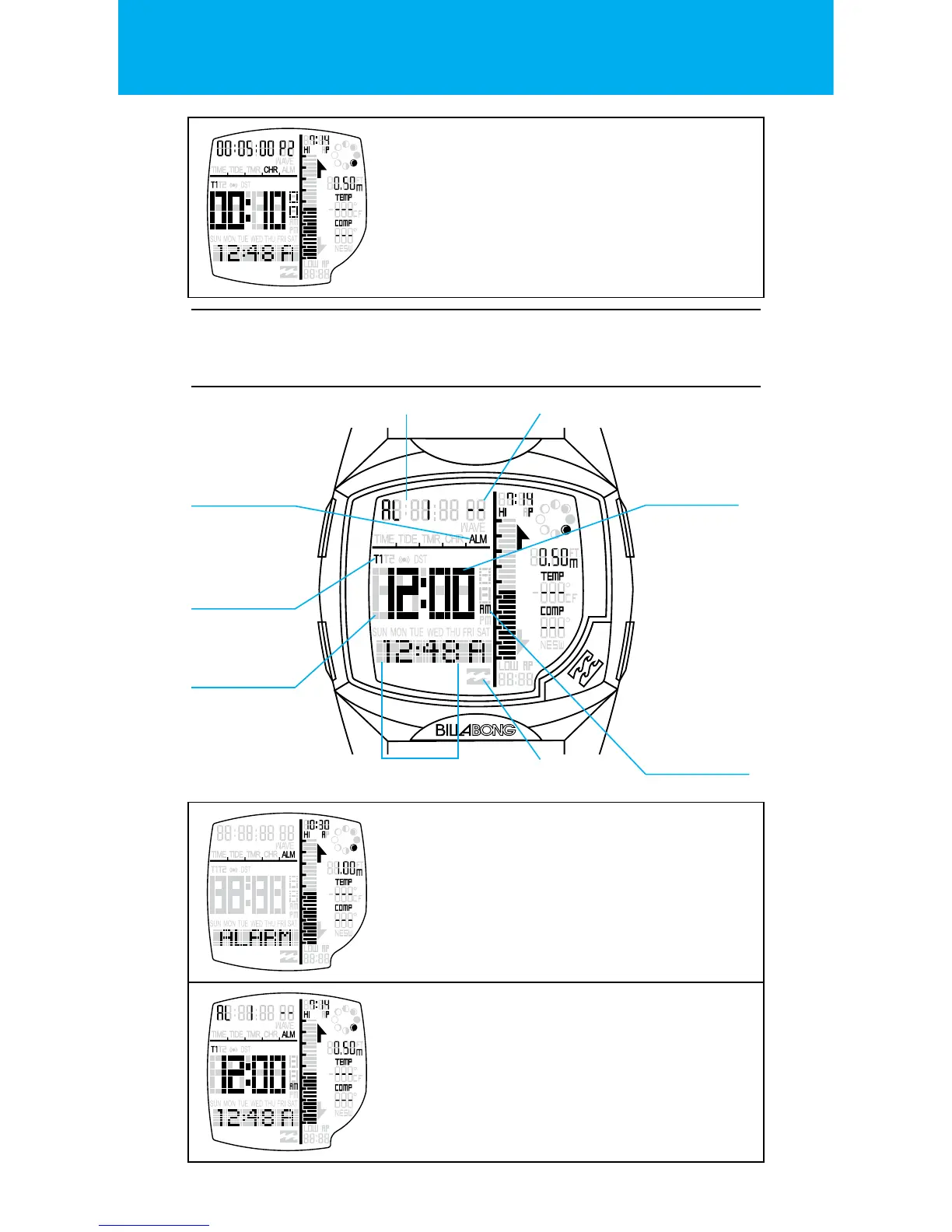
WAVE COUNT
When in the RUN state, press the RESET button.
This will take a lap and increment the
wave counter.
The chronograph will count 99 waves/laps, and
will count up to 10 hours.
SETTING THE ALARMS:
Time of Day Alarm ON
indicator
Alarm applica-
tion icon
TOD Time zone
indicator
Alarm hour
Alarm index ON/-- (OFF)
AM/PM of Alarm
Alarm minutes
BANNER STATE
Banner will time out after 3 seconds.
2 x Alarms for each time zone.
MAIN STATE
The display shows the Alarm index, On/--(O),
Alarm time zone, Alarm hour/minutes, Alarm
ON indicator and the current Time of day.


 To Next Page