Binatone Help Line : 0845 345 9677 28
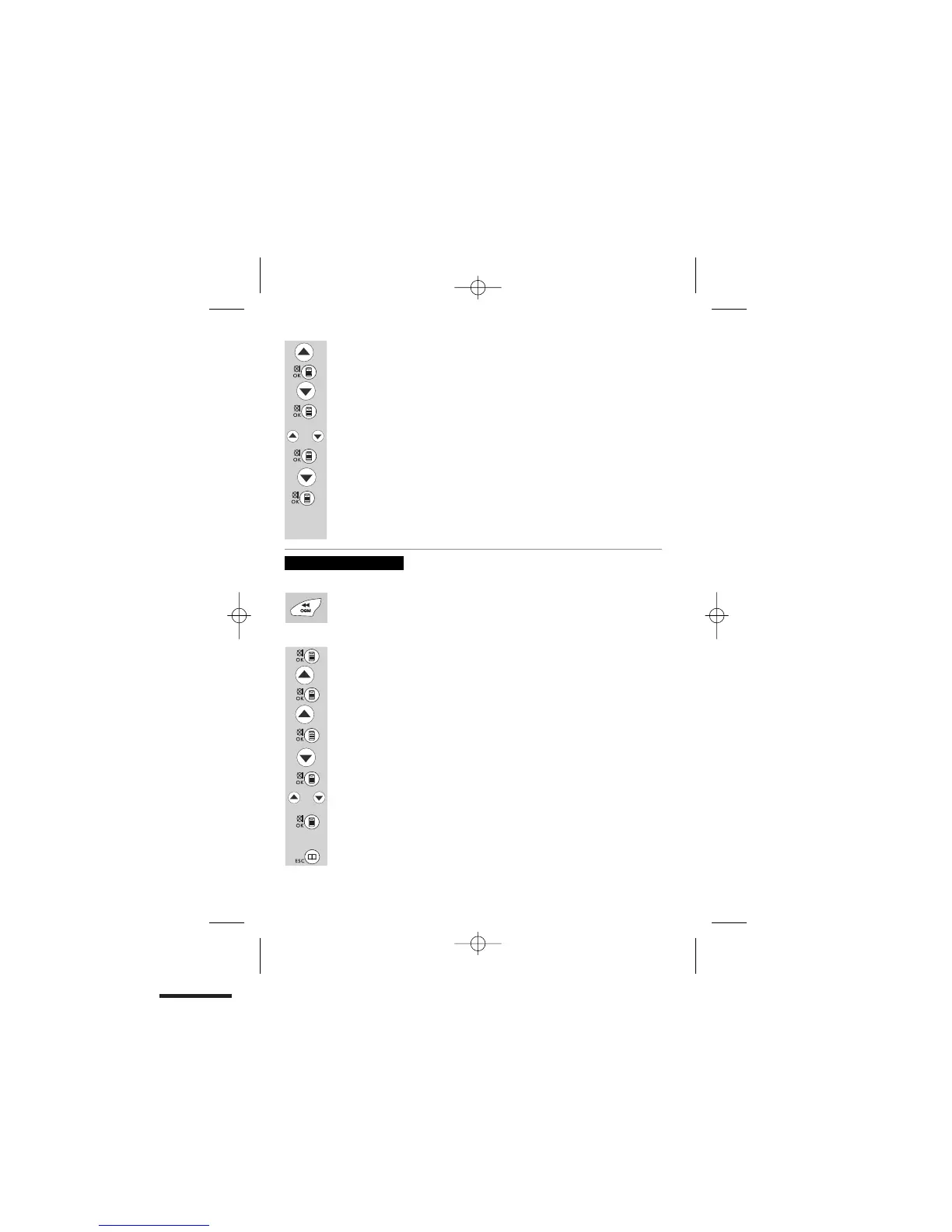
Press the UP button to show "TAM SETTINGS".
Press the MENU/OK/MUTE button to show "TAM ON/OFF".
Press the DOWN button to show "SET OGM".
Press the MENU/OK/MUTE
button to show
"OGM1"
Press the UP or DOWN button to choose "OGM1" or "OGM2"
Press the MENU/OK/MUTE button to select it and show "PLAY".
Press the DOWN button to show "RECORD".
Press the MENU/OK/MUTE button to hear a voice prompt "PLEASE RECORD
NEW ANNOUNCEMENT AFTER THE BEEP". After a beep tone you can start
speaking.When you want to end the recording, press STOP/ON/OFF. Then the
unit will playback the OGM announcement automatically.
or
1. By Hotkey
Press the REWIND/OGM briefly to listen to the current OGM (OGM 1 or
OGM 2).
2.
By MENU
Press the MENU/OK/MUTE button to show "PHONEBOOK".
Press the
UP button to show "TAM".
Press the DOWN button to show "SET OGM".
Press the MENU/OK/MUTE to show "OGM1
"
.
Press the UP or DOWN button to choose "OGM1" or "OGM2".
Press the MENU/OK/MUTE button to select it and show "PLAY".
Press the MENU/OK/MUTE button to play the OGM.
Once the playback has finished, the display will return to the previous menu.
Press the PHONE BOOK/BACK until you return to idle mode.
To playback the OGM
Press the MENU/OK/MUTE button to show "MESSAGE".
Press the UP button to show "TAM SETTINGS".
Press the MENU/OK/MUTE button to show "TAM ON/OFF".
or


 To Next Page