Binatone Help Line : 0845 345 9677 29
Switch between OGMS
When the answering machine is switched ON you can select OGM1 or OGM2.
Press the STOP/ON/OFF and if you hear "ANSWER ON,ANNOUNCEMENT 1",
you are currently using OGM1.
If you want to switch to OGM2, press the STOP/ON/OFFagain, and you will hear
"ANSWER ON, ANNOUNCEMENT 2". If
you
want
to switch it back on to OGM1,
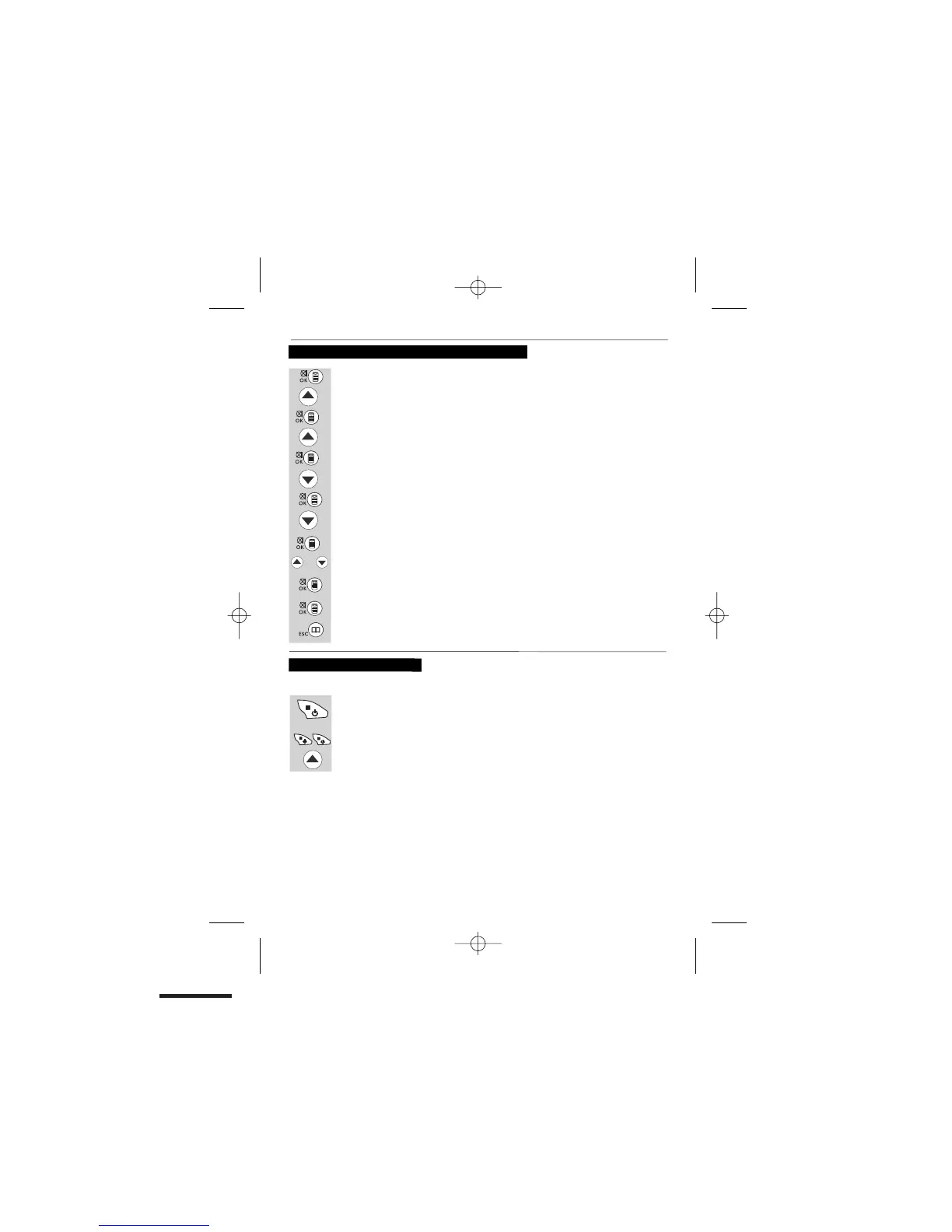
Press the UP button to show "TAM SETTINGS".
Press the MENU/OK/MUTE button to show "PHONEBOOK".
Press the UP button to show "TAM".
Press the MENU/OK/MUTE button to show "MESSAGE".
Press the UP button to show "TAM SETTINGS".
Press the DOWN button to show "SET OGM".
Press the MENU/OK/MUTE button to show "OGM1".
Press the UP or DOWN button to choose "OGM1" or "OGM2".
Press the MENU/OK/MUTE button to select it and show "PLAY".
Press the UP or DOWN button to show "DEFAULT".
Press the MENU/OK/MUTE and the display will show “CONFIRM?”
Press the MENU/OK/MUTE to confirm. You will hear a beep, the display will
return to
“DEFAULT”
.
Press the PHONE BOOK/CANCEL until you return to idle mode.
To delete the OGM (SET OGM to DEFAULT)
Press the MENU/OK/MUTE button to show "TAM ON/OFF".
SwiSw
i
or


 To Next Page