9
Binatone Help Line : 0845 345 9677
5
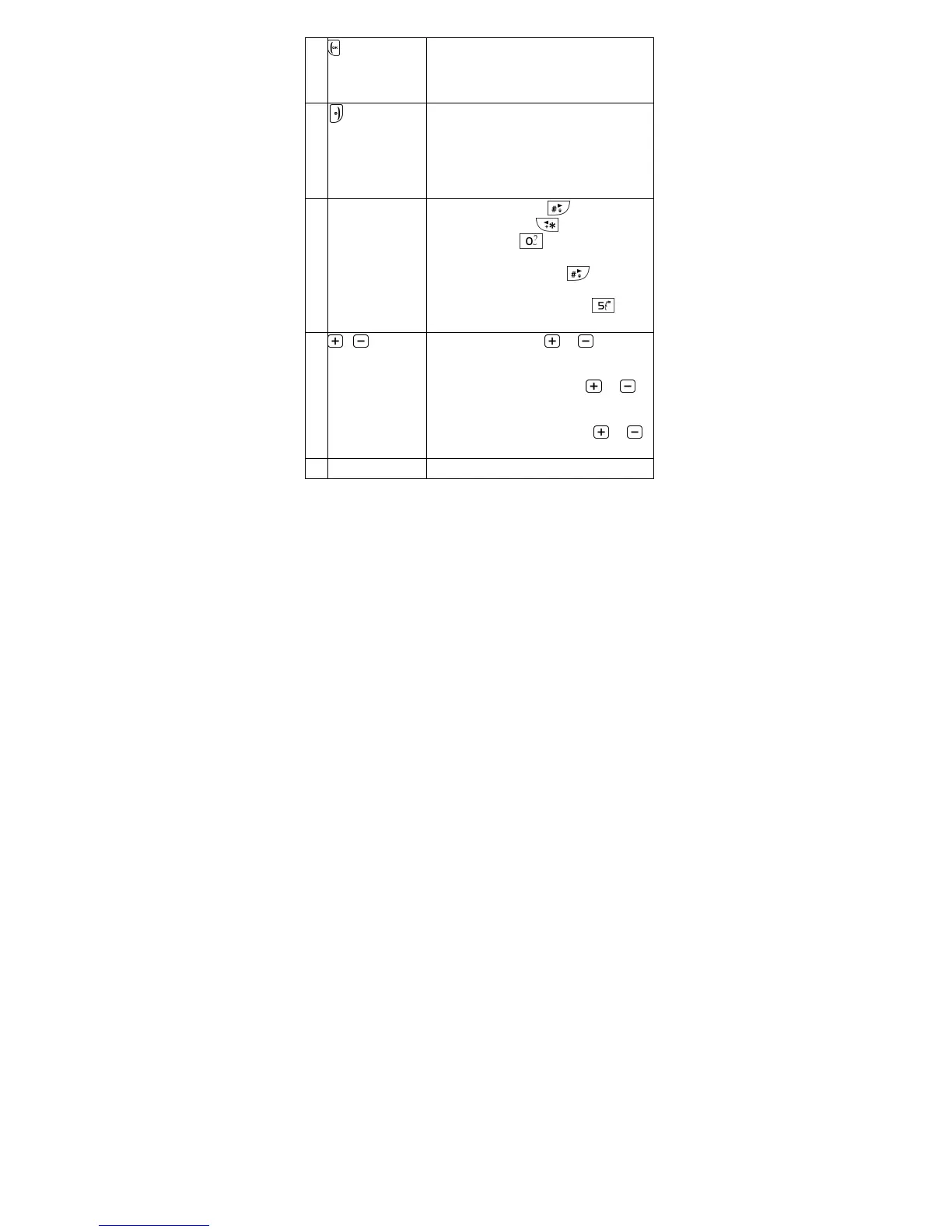
Key
Press to answer a call or put the
current call on hold.
Press to select the function shown
above it on the display.
6 Key Press and hold to power up or power
down the phone.
Press to reject a call, end active or
held calls.
Press to select the function shown
above it on the display.
7 Microphone &
lphanumeric
Keypad
Editing mode: Press
to switch
input mode; Press to enter
symbols; Press
to insert space
(except 123 mode)
Calculator mode: Press to enter
decimal point
Camera/Video mode: Press
to
take picture/record video
8
volume
keys
During a call: Press
or to
increase or decrease the earpiece or
speaker volume.
Home screen mode: Press
or
to increase or decrease ringer
volume.
udio listening mode: Press or
to increase or decrease the volume.
9 Torch Light



 To Next Page