P
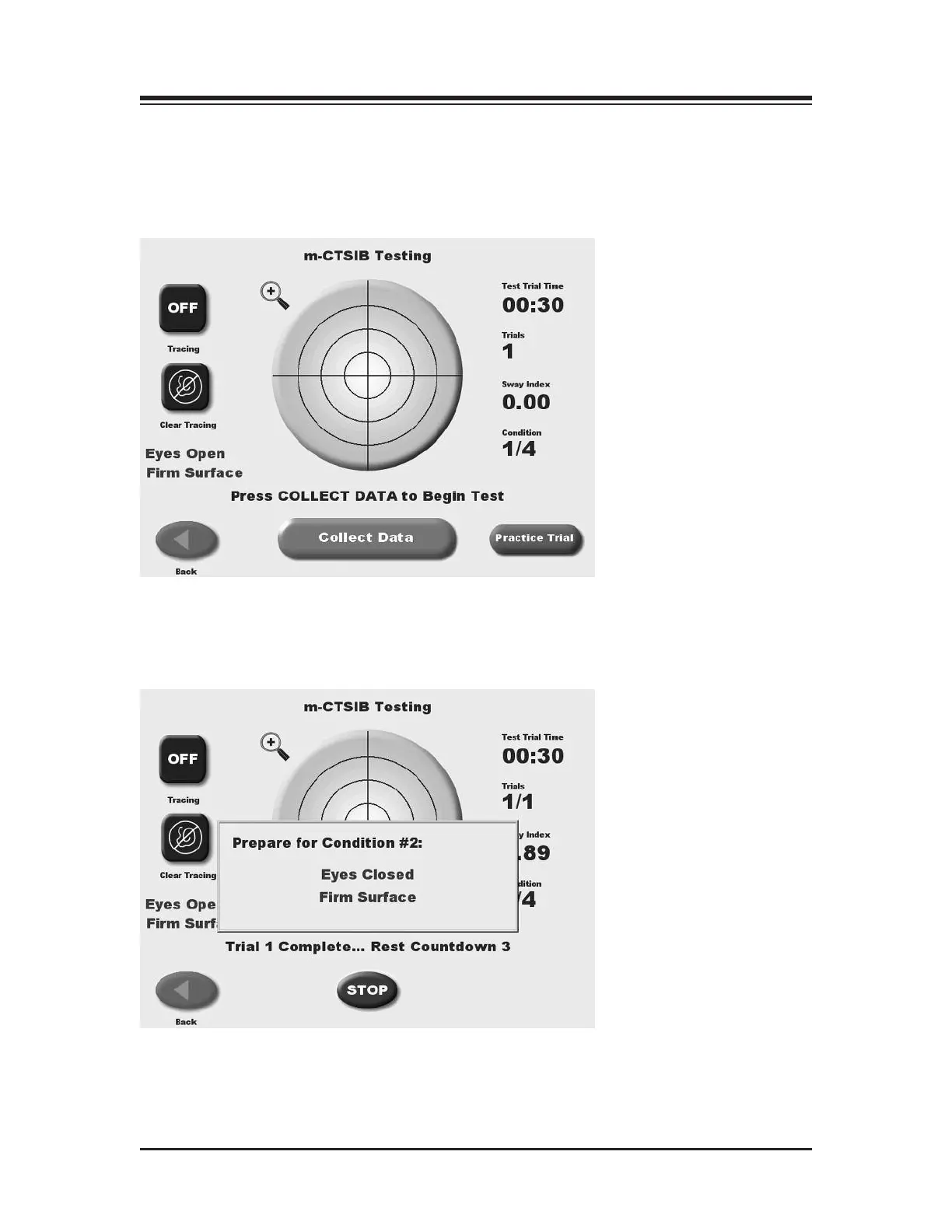
ress <OK> to continue to do the test. The Press <START> to being the testing sequence for each
condition.
Again as with the other tests you will have the option to perform a trial rep prior to each test
condition rep. The practice rep can be stopped at anytime to proceed to the test rep.
After completing the condition the next test condition will follow until all conditions have been
completed. When the last condition is completed a “Test Complete” message is displayed.
Touch <Results> to advance to the CTSIB Test Results screen.
CONTENTS
— 8-21 — TESTING















 To Next Page