EasyManua.ls Logo

BIOFLEX Therapist - Beep Control; LCD Contrast; Update Firmware

Default Icon
71 pages
Print Icon
To Next Page IconTo Next Page
To Previous Page IconTo Previous Page
Loading...
49
Settings
This section describes how to change the various settings.
The settings will be discussed in more detail in the following
illustrations.
Settings
Default Array
Scroll:
Select:
Exit:
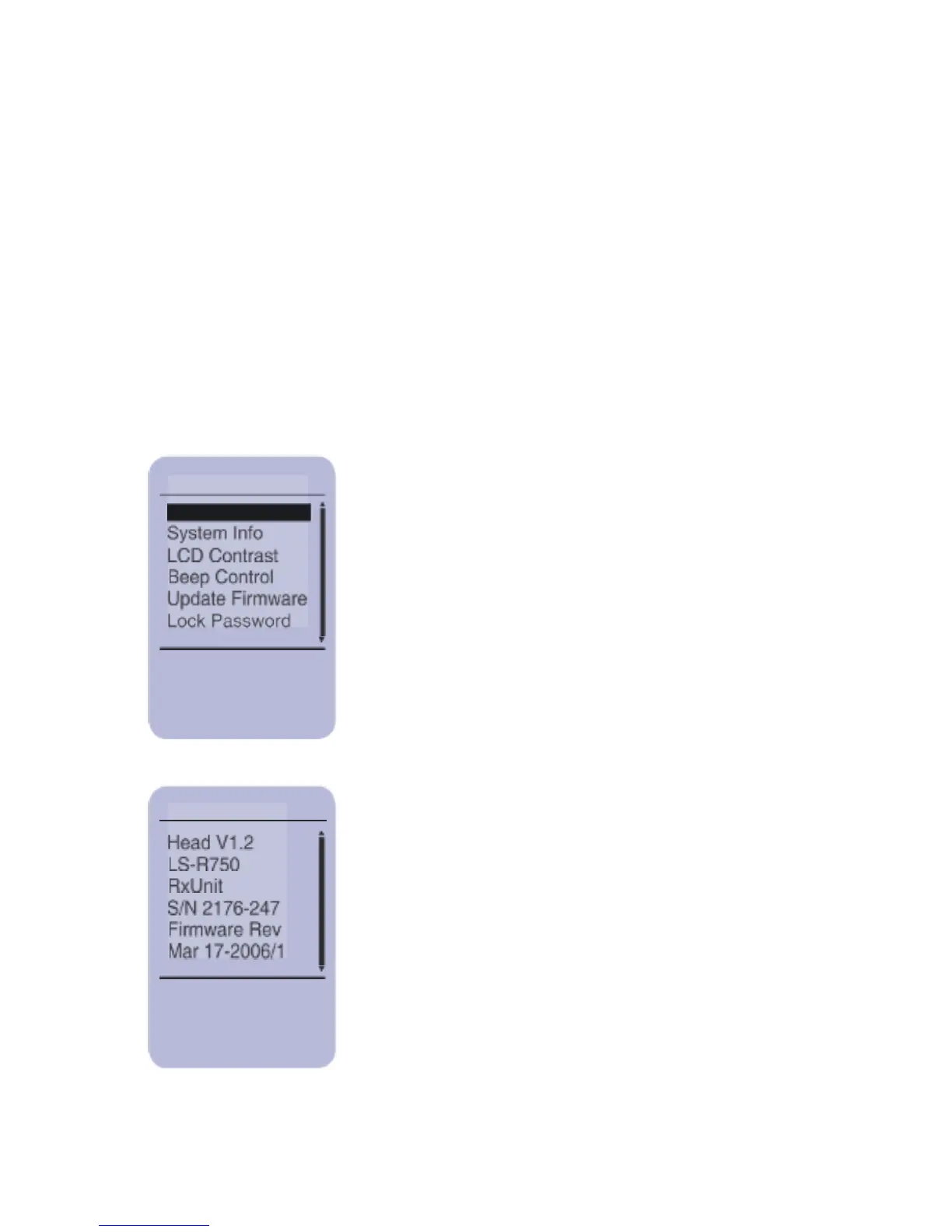
System Info
This screen provides the Treatment Head
serial number, firmware version and the
Controller serial number and firmware
version. Press EXIT to go back to the
Settings menu.
Exit:

49
UP/DOWN
SELECT
EXIT
EXIT
Settings Main Screen
To select an item from the menu, scroll
through the options until the item is
highlighted and press SELECT.
System Info

Related product manuals