Change:
Select:
Exit:
Adjust:
Select:
Exit:
Update:
Exit:
UP/DOWN
SELECT
EXIT
UP/DOWN
SELECT
EXIT
SELECT
EXIT
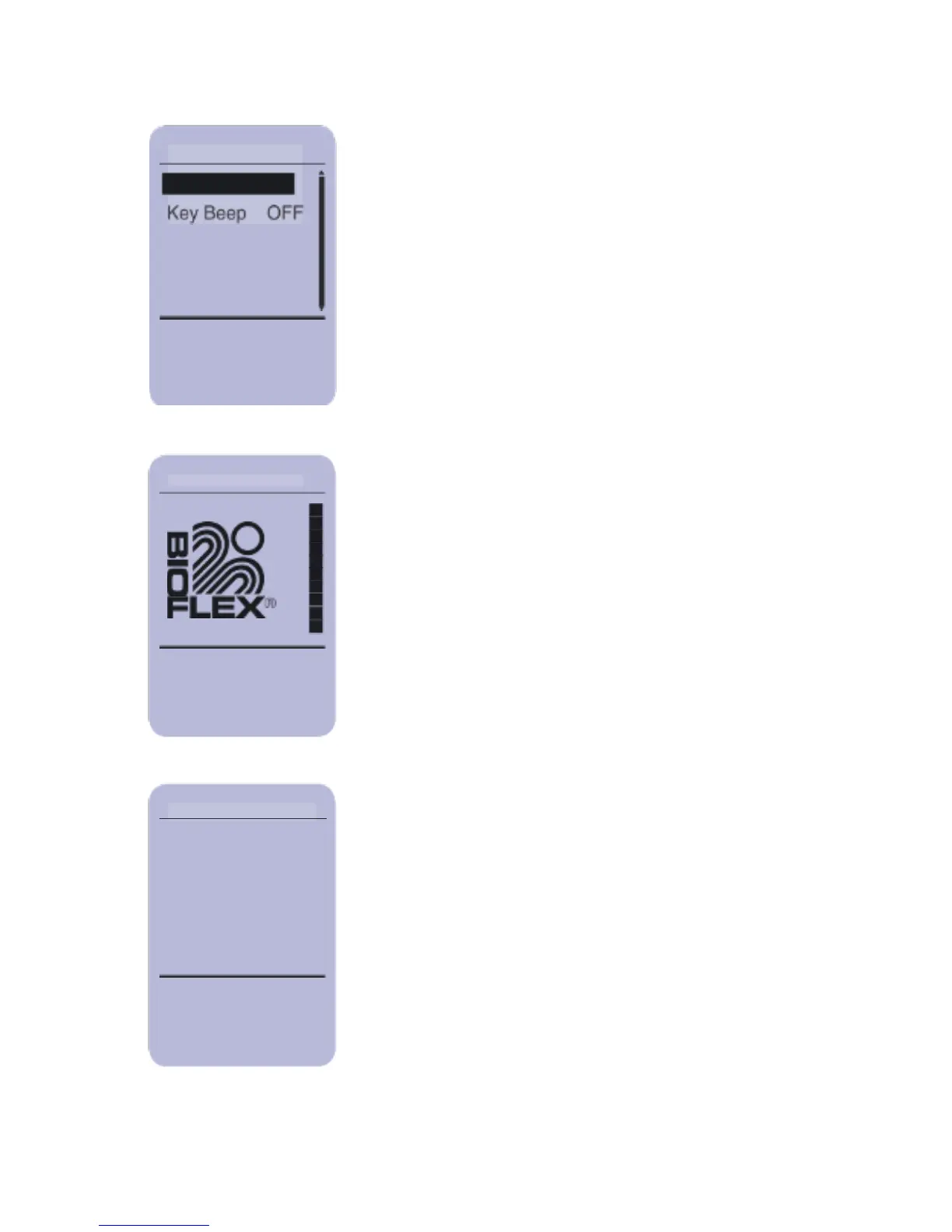
Beep Control
The Key Beep can be turned on or off. Key
Beep is the audible beep heard when a
button is pressed. This does not turn off the
beeps heard during treatment. Use the
UP/DOWN buttons to select either Key Beep
ON or Key Beep OFF and press
SELECT.
LCD Contrast
To adjust the contrast of the screen use the
UP/DOWN buttons to adjust the levels of
contrast to the desired level. Press
SELECT to accept or press EXIT to keep
current settings.
Update Firmware
This menu option is used to update the
Controller or Treatment Head firmware if a
new version has been released.



 To Next Page