16
curser tracks with finger movement.
Figure 20: Calibration Screen
Date and Time Settings
The computer date, time, and time zone settings will need to be verified.
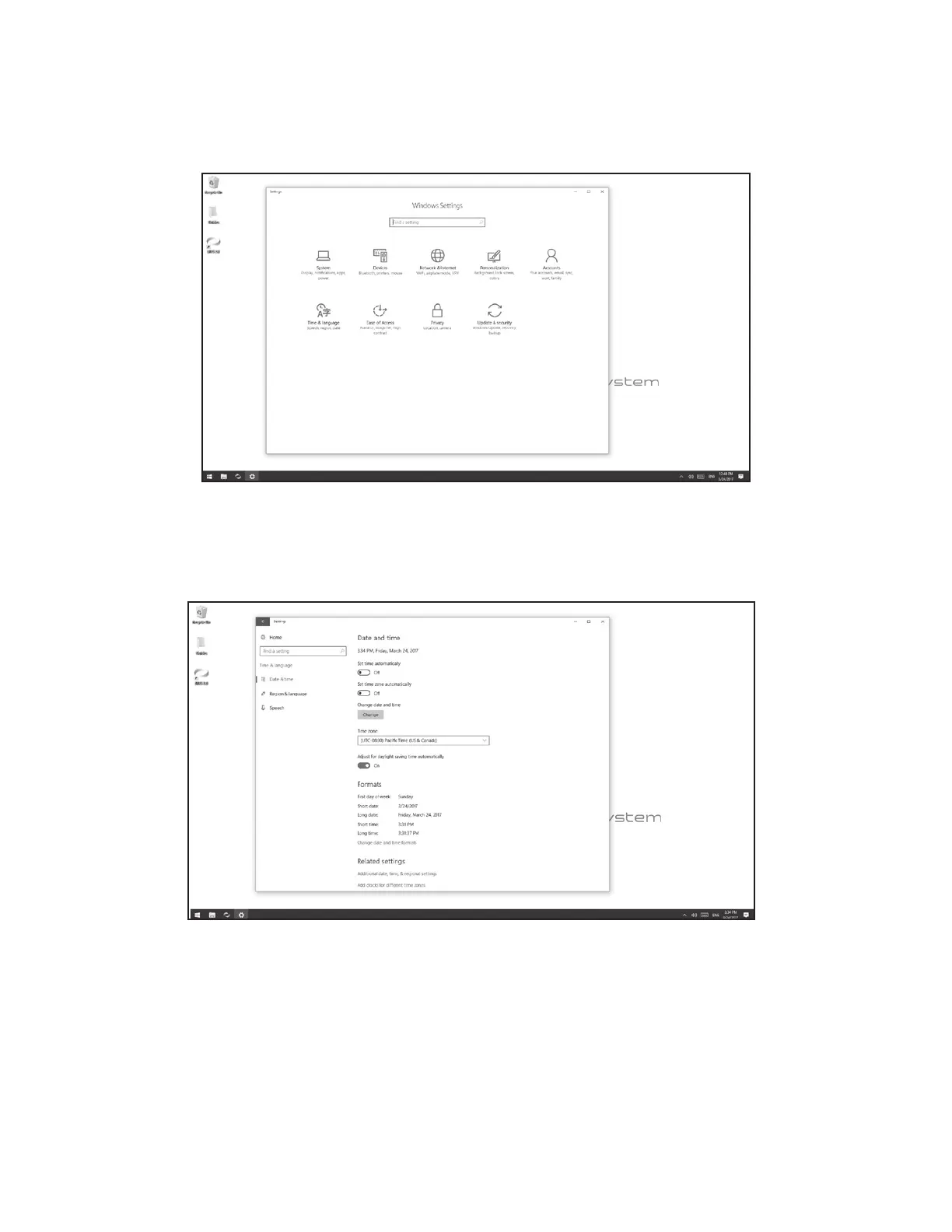
1. From the Windows Settings menu, select the Time & Language settings icon. See Figure 21
Figure 21: Windows Settings Menu
2. Select the appropriate time zone from the drop down menu. See Figure 22.
3. Verify that the time and date is correct, and press the Change Date and Time Button to adjust the date and time
manually if needed.
Figure 22: Date and Time Settings Menu
Printer Setup
Only USB connected printers should be connected to the BITS PC.
1. Follow the setup instructions specific to the printer being attached to the BITS PC.
2. Upload the necessary printer drivers onto a USB memory device



 To Next Page