19
Changing the Language Preference Settings
The default language setting for BITS is English (US).
1. Navigate to the System Settings Screen.
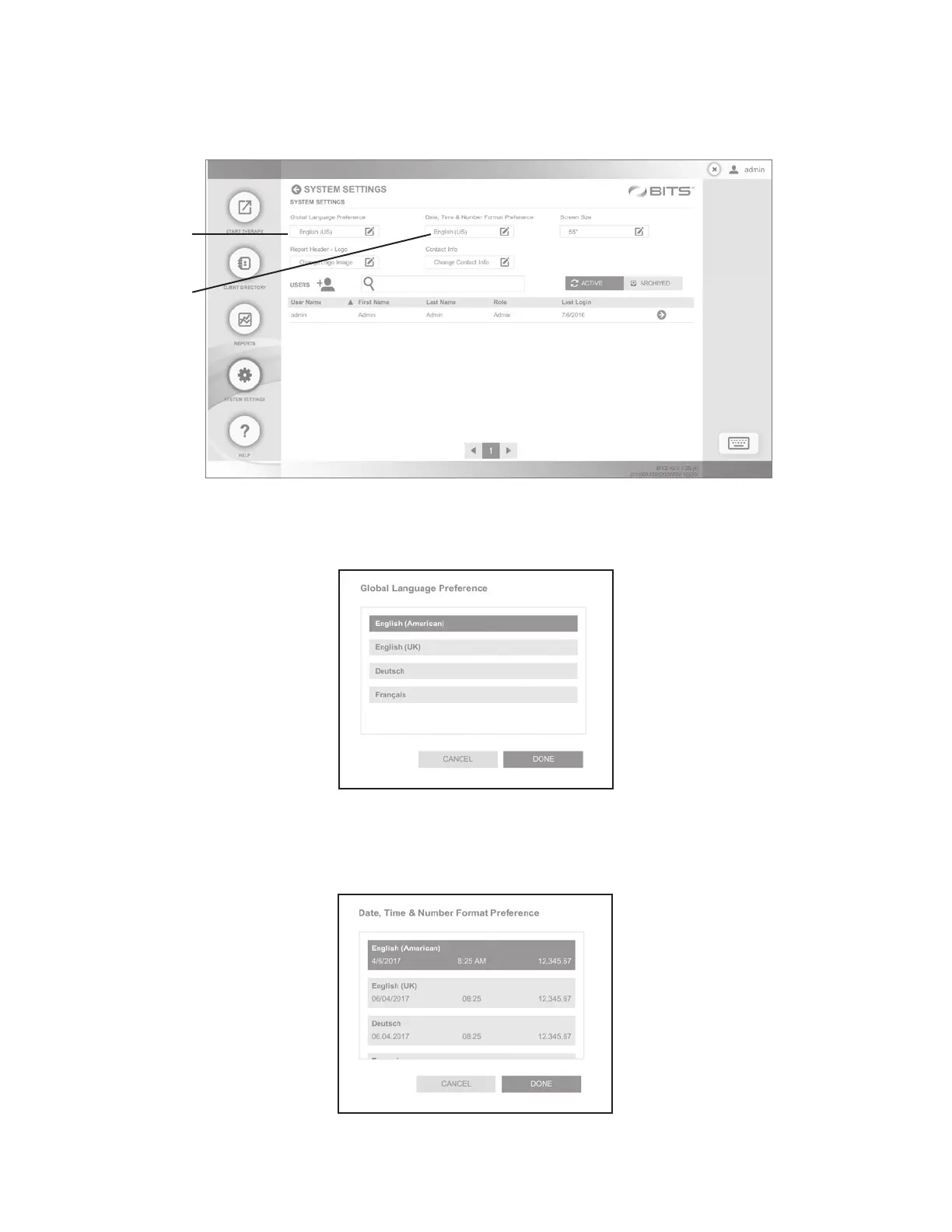
2. Click on the Global Language Preference field. See Figure 27.
Figure 27: Change the Language Settings from the System Settings Screen
3. Select the desired language, and press the Done Button. See Figure 28.
Figure 28: Select the Desired Language
4. Click on the Date, Time & Number Format Preference field. See Figure 27.
5. Select the desired language and press the Done Button. See Figure 29.
Global Language
Preference Field
Date, Time &
Number Format
Preference Field



 To Next Page