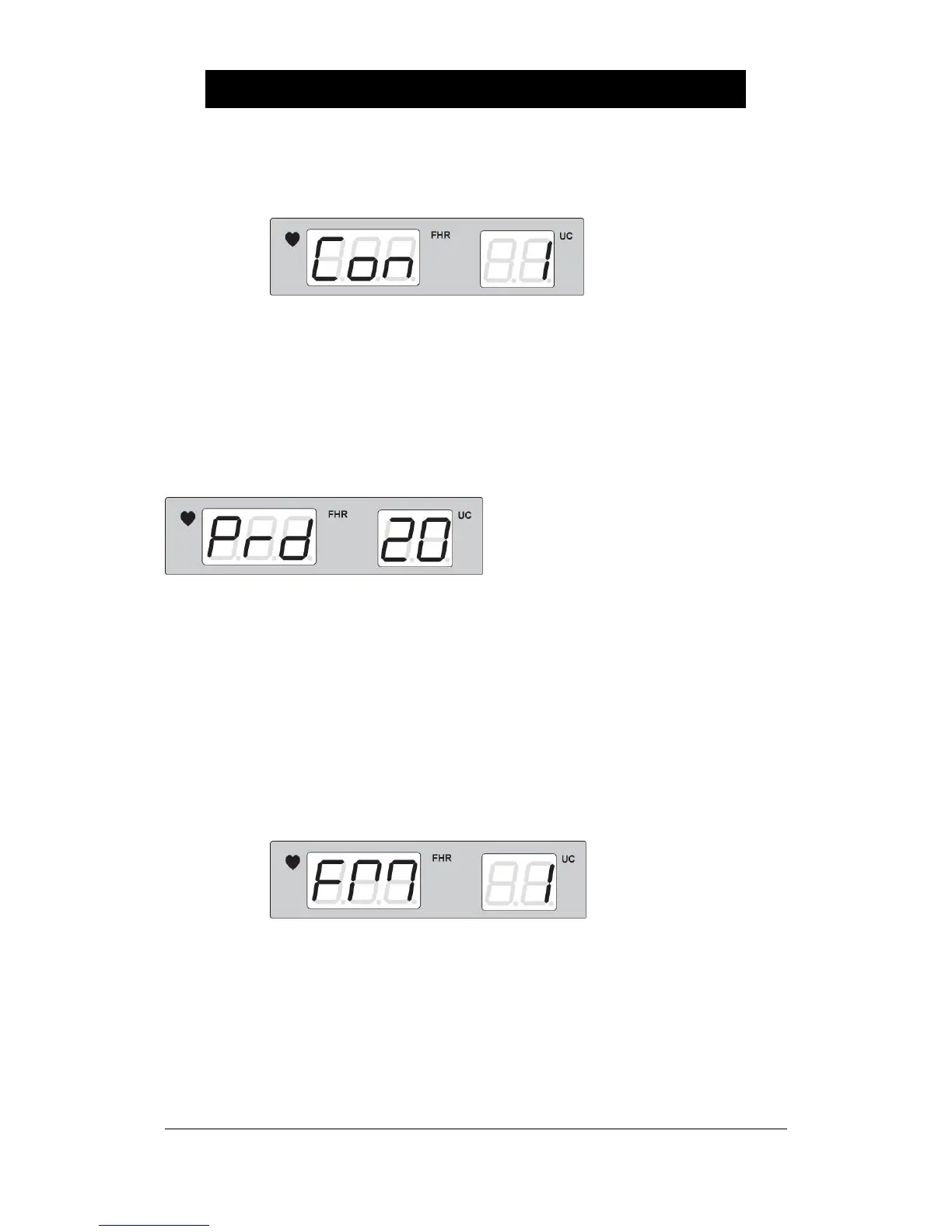
③ To control the contrast of graph, press the Reference key for over two seconds and then for
a short time to indicate the following.
Select 1 for a medium and 2 for the darker state, and use the Volume Up/Down Key to
change it.
▣ How to Set AUTO NST
To set the AUTO NST function, press the Reference key for over two seconds and then for a
short time to indicate the following.
As for ‘0’, press the Record key at the basic state to print it and press it again to stop printing.
Select ‘10’ for 10-minute constant recording, ‘20’ for 20-minute, ‘30’ for 30-minute, ‘40’ for 40-
minute, ‘50’ for 50 minute, and ‘60’ for 60-minute, and recording will stop automatically after the
set-up time. Press the Record key during recording to stop recording.
▣ How to Set the Automatic Fetal Movement Detection Function
To set the automatic fetal movement detection function, press the Reference key for over two
seconds and then for a short time to indicate the following.
Value ‘1’ is [FM+FMD], ‘2’ is [FMD only], and ‘0’ is [Off].


 To Next Page