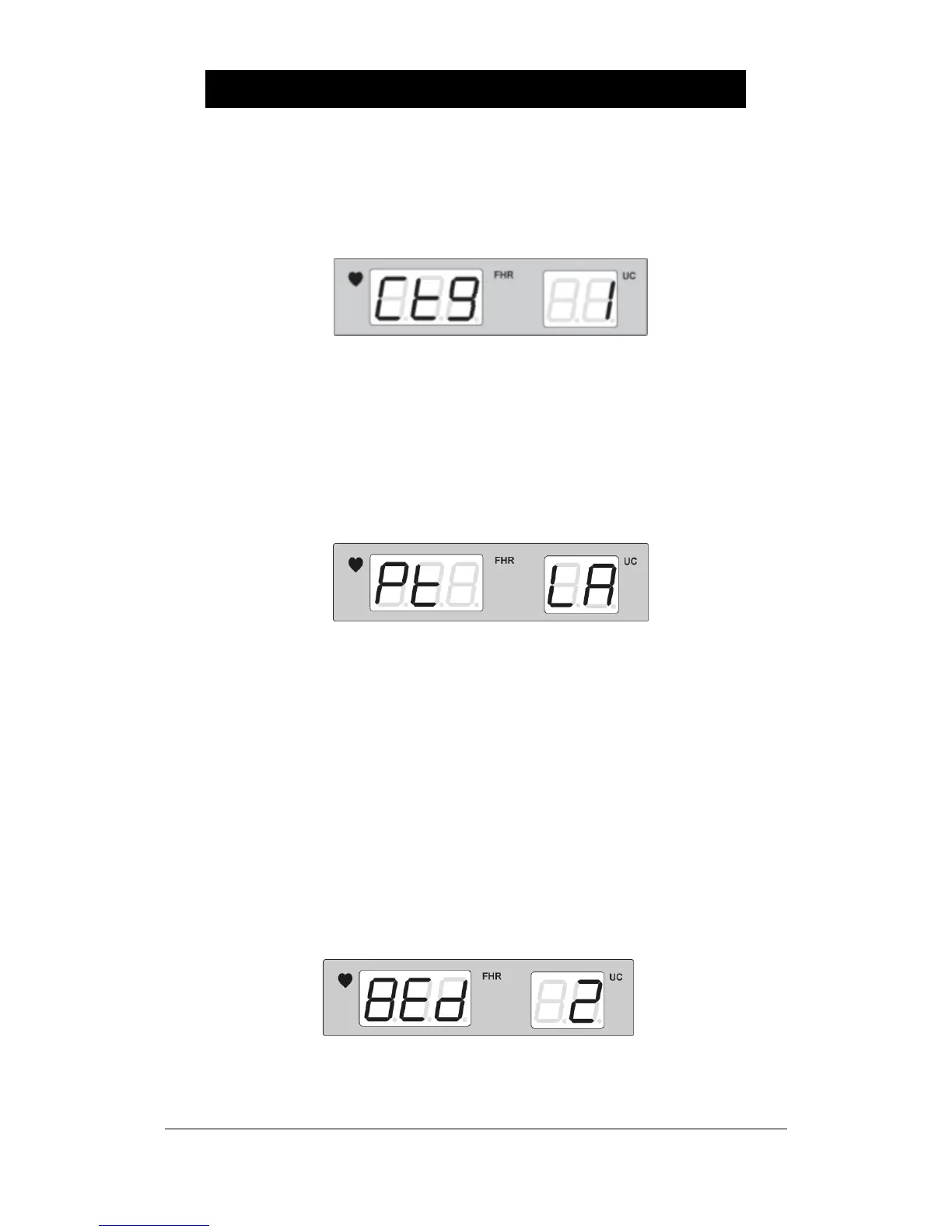
▣ How to set Cardio-Toco Graph(CTG) analysis function
Press REFERENCE button for at least 2 seconds and repress REFERENCE button for a
short amount of time in order to set automatic CTG diagnosis function. It should appear like
the figure below.
‘0’ cancels CTG analysis function and ‘1’ sets for CTG analysis function.
▣ How to set Protocol Type
Press REFERENCE button for at least 2 seconds and repress REFERENCE button for a
short amount of time in order to set protocol type. It should appear like the figure below.
S1 : Serial protocol with FC Central I
S2 : Serial protocol with FC Central II
LA : Serial to Wi-fi protocol with FC Central II
▣ How to set Bed Number
Select the monitor’s own identification number. This number will be used to identify the
monitor within the central monitoring system. Press REFERENCE button for at least 2
seconds and repress REFERENCE button for a short amount of time in order to set Bed
number. It should appear like the figure below. Use the Volume Up/Down Key to change it.


 To Next Page