▣ How to set Demo mode
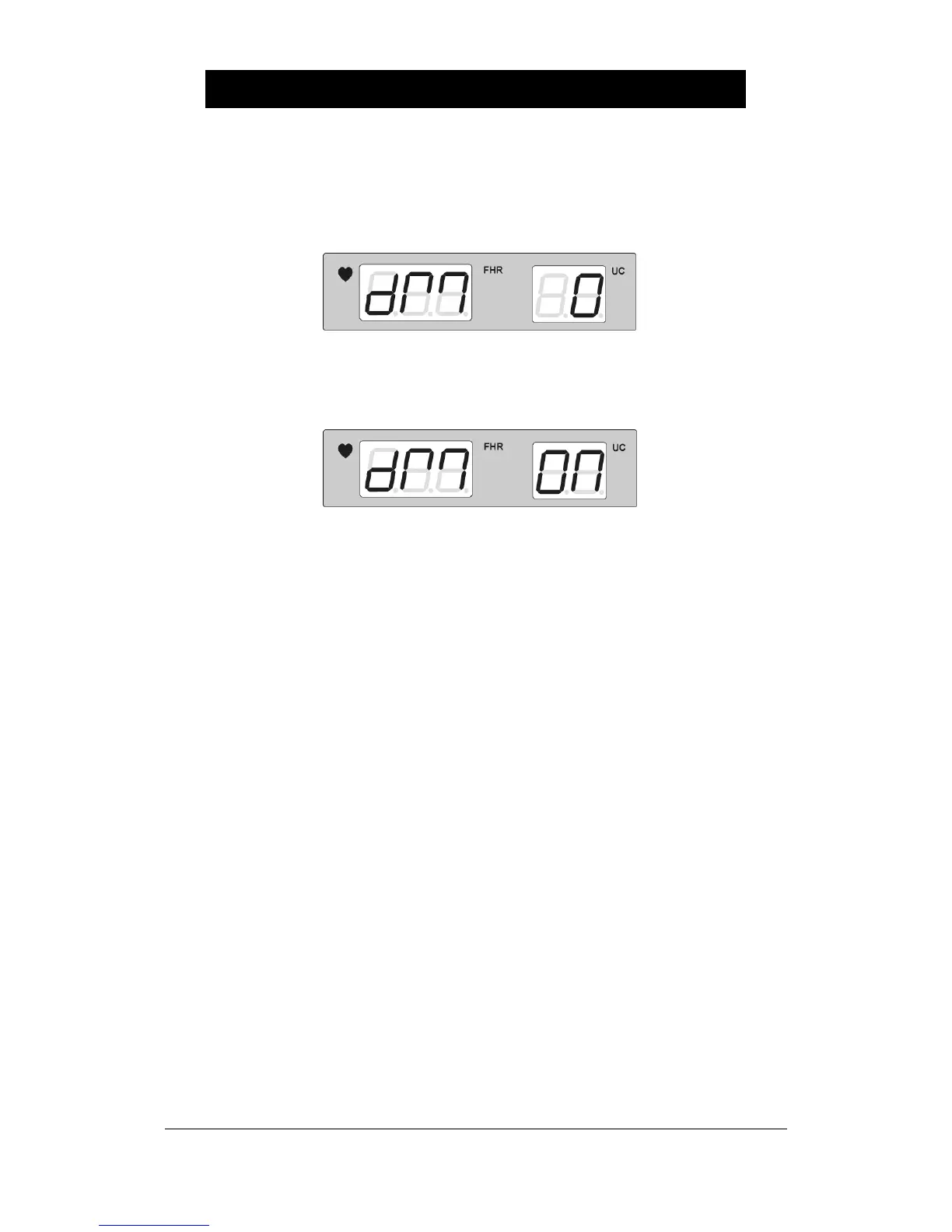
Press REFERENCE button for at least 2 seconds and repress REFERENCE button for a
short amount of time in order to set Demo mode. It should appear like the figure below. Use
the Volume Up/Down Key to change it. Value ‘1’ is [On], ‘0’ is [Off].
The screen indicating the demo operation as below periodically shows at FHR and UC
during the Demo mode operation.


 To Next Page