Setting by Menu Function 45
BFM-900L
FETAL MONITOR
(
Ver 1.1
)
44 Setting by Menu Function
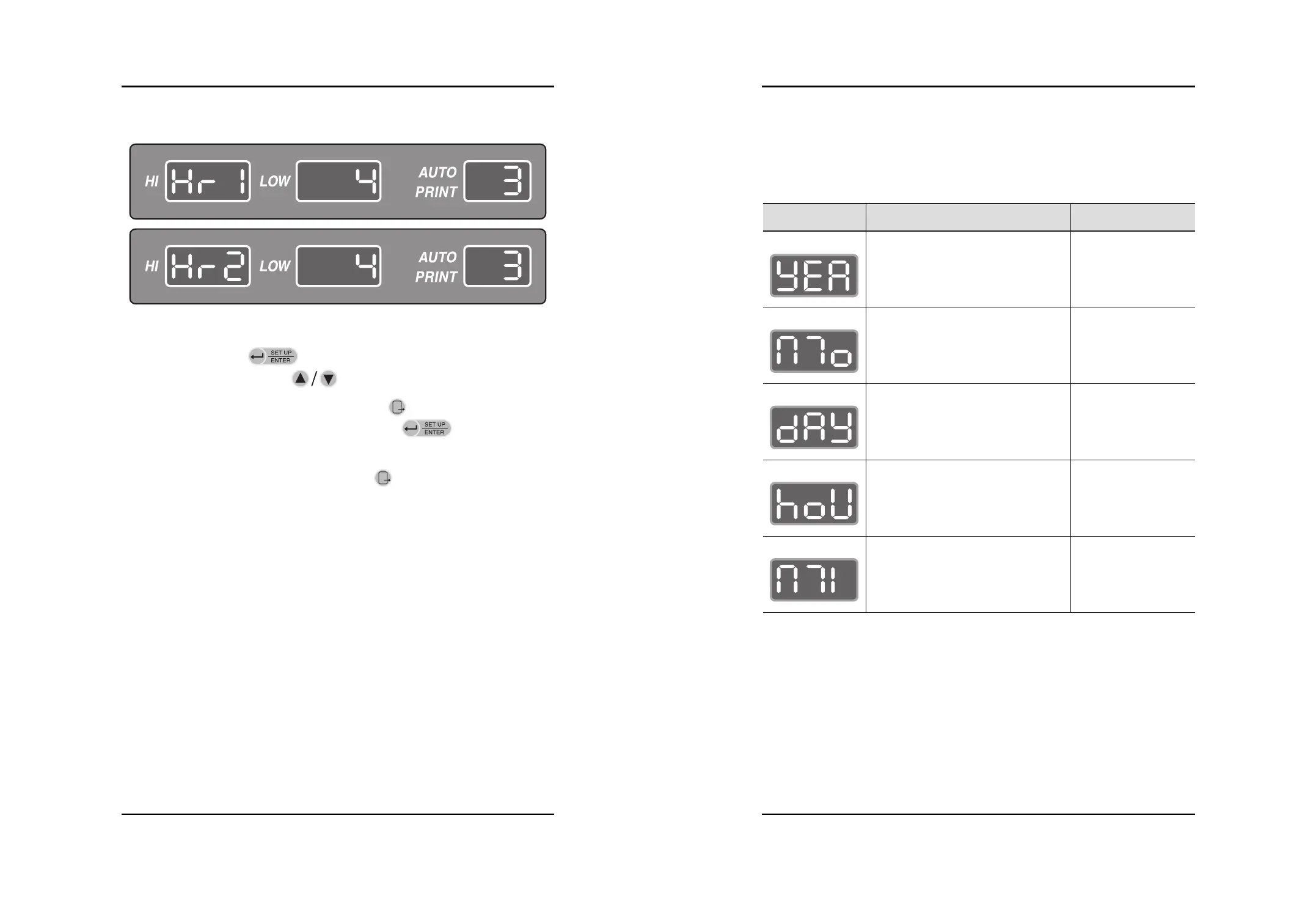
Step 5) Press the Enter key( ) in Step 4 and desired the level will be twinkled.
Then press the Up/Down key( ) for changing the level.
Step 6) After setting is completed, if press the Exit key( ), menu will move to previous
mode(Step 2) without saving. If press the Enter key( ), menu will move to
previous mode(Step 4) with saving.
Step 7) After all setting is completed, press the Exit key( ) to move to the basic screen.
6.4 Time Setting(Date and Time)
Possible to set the time


 To Next Page