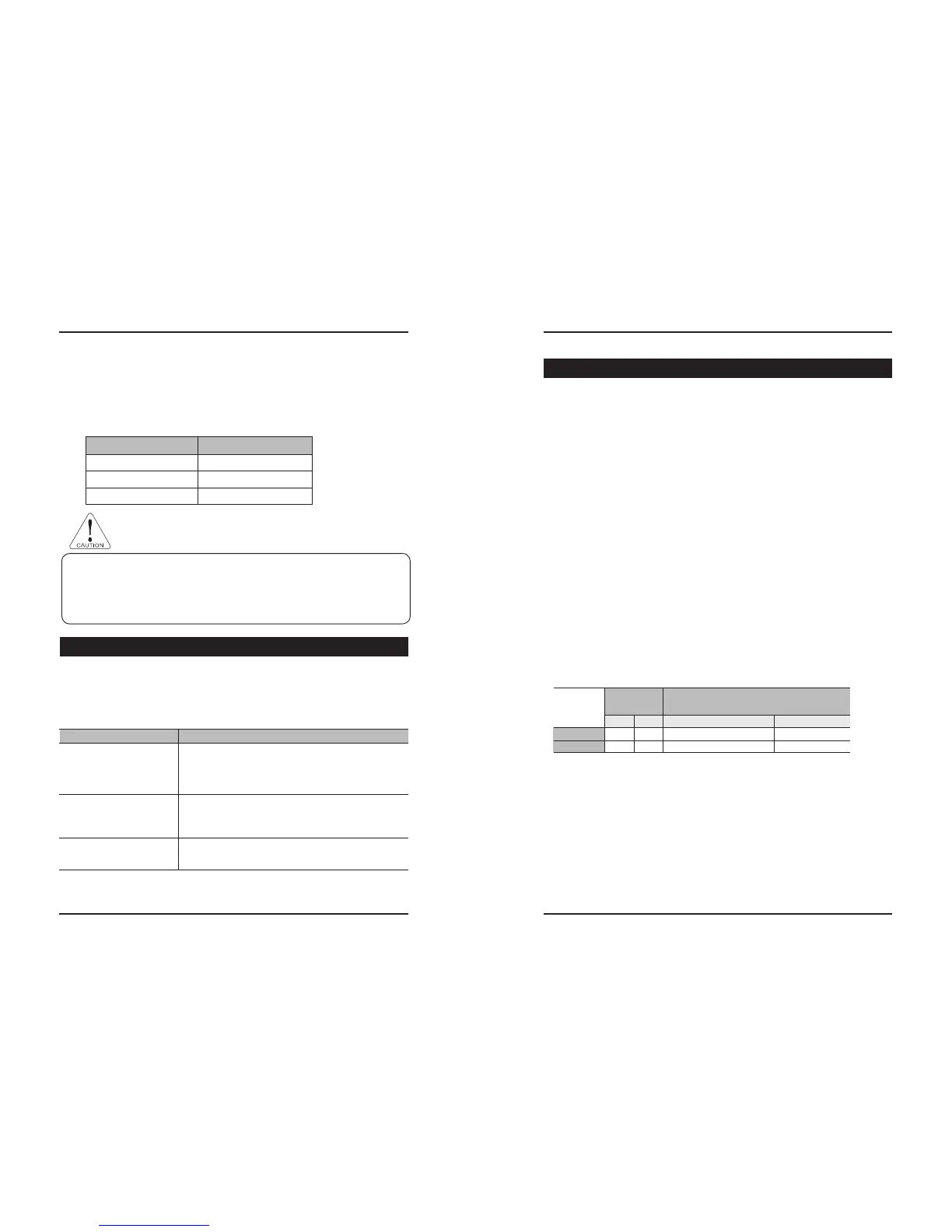
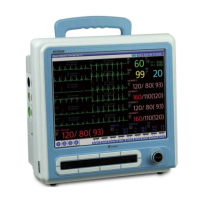
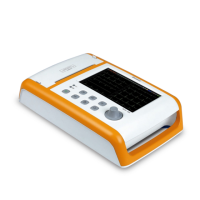
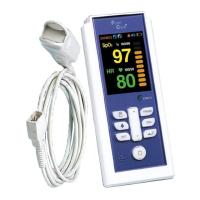
Handheld Pulse Oximeter
33
Before Requesting After Service Product Specification
34
PalmCare plus
D. Type of Battery
The same sort of battery should be used for replacement.
- Model : 1S1P(ICP523450) / Type : LI-Ion / Manufacturer : ENERWIZ
E. Time for the Battery exchange
The lifetime of the battery gets shorter if it is not 100% recharged for use.
50% Charge / discharge
30% Charge / discharge 200 times
500 time
1200 times 100% Charge / discharge
Number for use
Charge / Discharge ration
◈ For the protection of the environment, please contact the agency you purchased the product
from when you wish to discard the battery.
◈ Contact the agency you purchased battery in case battery should be changed.
◈ To ensure the lifecycle and safety of battery, please discharge the battery and then charge
perfectly again every six months. Also time-worn battery exceed 24 months should be replaced.
This chapter explains the solutions to simple problems occurred during the operation. One might feel
lost sometimes while operating the equipment. You don’t need to call the service man every time you
feel lost. It just might be a simple operational problem. Before you call for help, check the following
points.
For repair, contact our Customer Service Dept, or A/S receptions.
10. Before Requesting After Service
Problem Solution
1. In case of the battery is discharged.
- Connect DC adapter.
2. Please check the connection of the switch, it happens when
the switch junction is imperfect.
1. Please check the connection of the probe, it happens when
the probe junction is incomplete.
2. Please replace the probe, it happens for the defective probe.
1. Please check the connection of the probe, it happens when
the probe is put in infirmly.
Cannot turn the Power on.
The red light in the sensor is
extinguished.
The wave does not display
normally.
11. Product Specification
■Display
•TFT COLOR LCD
• Resolution : 320 X 240 Pixels
•Graphic wave form
•10 level vertical bar graph
•Numeric Data Display : Current Oxygen Saturation, Pulse Rate
• Display Mode: Horizontal or Vertical display
■Indicators
•Low Battery Icon
•SpO
2 No Sensor, No Finger Icon
•SpO2 Pulse Search Icon
•Low Perfusion Icon
•Alarm ON/Off Icon
•Screen Mode Icon
•Language Mode Icon
• Sound Mode Icon
•High Ambient Icon
■Measurement Range
•SpO
2 Saturation: 0 ~ 100 %
•HR : 30 ~ 300 BPM
■Alarm Limits Range
■Accuracy
•SpO
2 : 70 ~ 100% (1%step) : ± 2%
Under 70% : unspecified
•Pulse Rate : 30 ~ 300 BPM : ± 2% or ± 2 bpm
■Power Consumption
•Manufacturer: BridgePower Corp.
•Model : JMW110KA0500M03z
•100~240VAC, 50/60 Hz
•DC 5V Adaptor
Setting
Default
Value
Range
HI
160
100
HR
SpO
2
LOW
50
80
HI
LOW
+
1 ~ 299
LOW
+
1 ~ 100, OFF
LOW
1 ~ HI
-
1
1 ~ HI
-
1
CAUTION


 To Next Page