Project Type
Instructions
Date: February 12 2021
Customer: Thermor Ltd
Job Number: TH6151
Item Number: BD353
Designer: Alex Vranjesevic
Revision: C
Artwork is not to be amended or scaled. If any changes
are required please send through Thermor oce with
instructions, and we will amend here and resend artwork
through. PLEASE RETURN WITH SIGNATURE
Contact: Graphic’s Department
graphics@thermor-ins.com
Colour Breakdown
Reason For Project:
New Item:
New Branding:
Design Update:
N/A: X
UPC (For Reference Only)
Devices to connect the BP monitor (see figures 1-4). The name of the BP monitor should
appear on the screen, select the Blood Pressure monitor name and press Confirm. The Blood
Pressure monitor and App should successfully connect.
7. If connection is successful, the BP monitor will sync to the App and the memory from the
monitor will download onto the App.
NOTE: You should see the memory count down on the BP monitor as its downloading the
measurements to the App. If there are no measurements this will not happen.
8. Once the memory download is complete, you can take your measurement. When the
measurement is completed the monitor will sync with the App automatically.
NOTE: For more information on the App and how to use it, visit our website
www.biosmedical.com or call our BIOS Medical Hotline: 1-866-536-2289
3.9 Memory Recall
This blood pressure monitor automatically stores 90 measurements for each user in its
memory. The 90 memories are split between the two modes: 28 memories in 7D Mode and
62 memories in General Mode. The oldest record will be replaced by the latest measurement
value when there are more than 90 sets for each user.
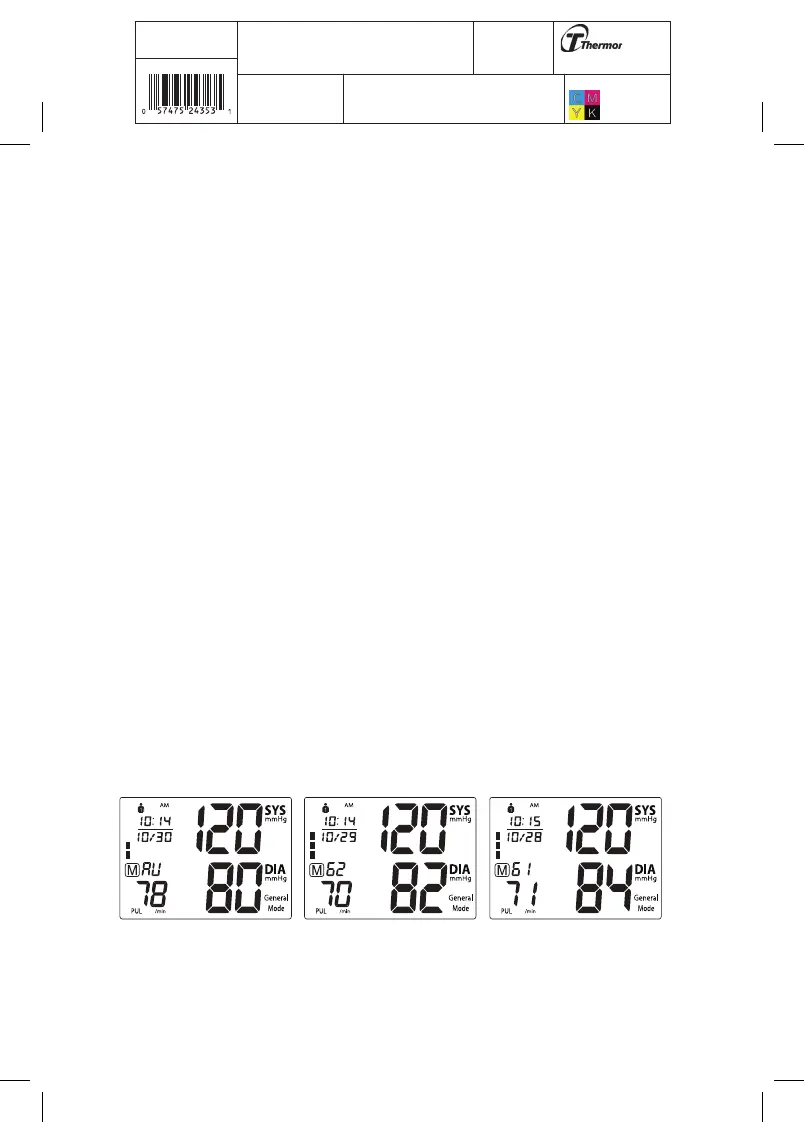
3.9A Recalling Memory in General Mode
First select General Mode, then turn the monitor OFF by pressing the START/STOP button.
While the monitor is OFF, press the MEM button to see the most recent measurement value.
Subsequent measurements can be displayed one after the other by continuously pressing the
MEM button.
3.9B Recalling Memory in 7D Mode
First select 7D Mode, then press the START/STOP button to turn the monitor OFF. While the
monitor is OFF, press the MEM button.















 To Next Page