Single Setpoint Control cont.
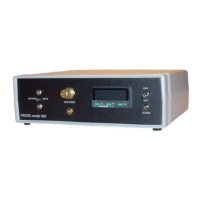
4. To set a setpoint, push and hold the “*” button. While holding the “*” button use the “up”
and “down” buttons to adjust the “set” to read what you want the setpoint to be. Once you
have adjusted the number to the desired reading, release the “*” button and the controller
will begin to go towards the new setpoint.
5. Flip the switch on the front panel labeled “GAS” upward. This will allow the gas to enter
the chamber.
20
Proox model 360
version 1.0


 To Next Page