8 | Chapter 2: Hardware installaon
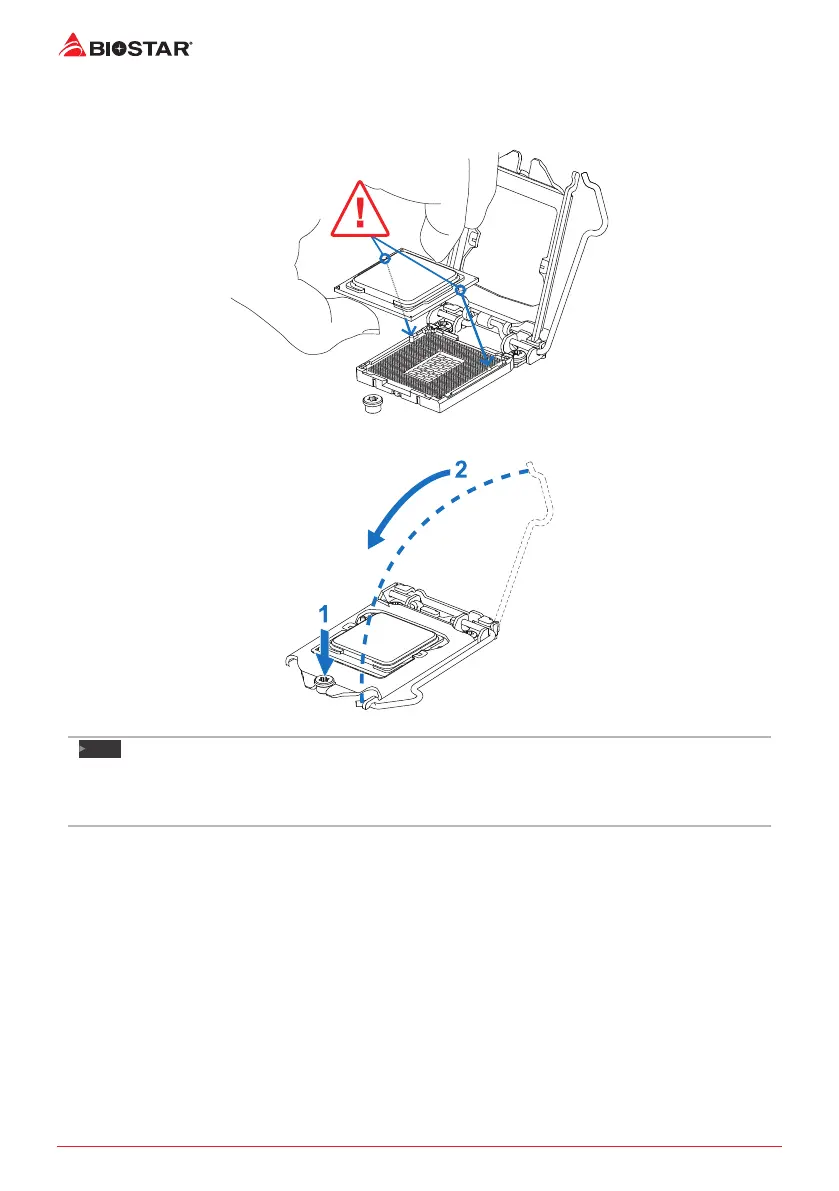
Step 4: Hold processor with your thumb and index ngers, oriented as shown. Align the
notches with the socket. Lower the processor straight down without lng or sliding the
processor in the socket.
Step 5: Hold the CPU down rmly, and then lower the lever to locked posion to complete the
installaon.
Note
»
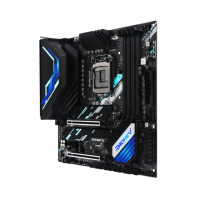
EnsurethatyouinstallthecorrectCPUdesignedforLGA1151socket.
»
TheCPUtsonlyinonecorrectorientaon.DonotforcetheCPUintothesockettoprevent
damagingtheCPU.


 To Next Page