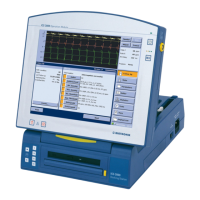
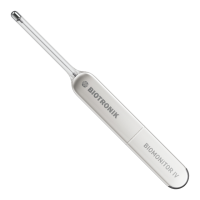
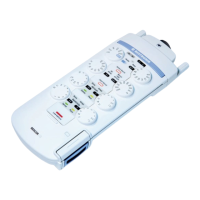
24 PGH Programming Head
Note: Each programming head features a diagram of the
implant to assist in positioning the head. Silicone nubs
on the underside prevent the head from slipping.
Caution! To program and interrogate the implant, the
programming head is brought into physical contact
with the patient. The programming head contains a
strong magnet. Do not place it close to magnetically
sensitive objects such as computer diskettes or
wristwatches.
• If you are programming the implant under sterile
conditions, operate the programming head with a
sterile cover (see „Optional Accessories“ on page 40).
The LED at the front of the programming head
indicates the telemetry contact to the implant:
Green LED Telemetry contact optimal
Yellow LED Telemetry contact in limit value range (implant
dependent)
Red LED Telemetry contact disturbed
LED off No telemetry contact
[Safe Program] The PGH 3000 programming head is equipped with its
own safe program button. This function can be started
directly with top priority from any application if the
programming head is positioned above the implant;
the button has the same function as the safe program
button on the Operation Module. See „Emergency
Programs“ on page 29.
WARNING! Use the safe program function only under the direct
supervision of a physician.




 To Next Page