Step 2
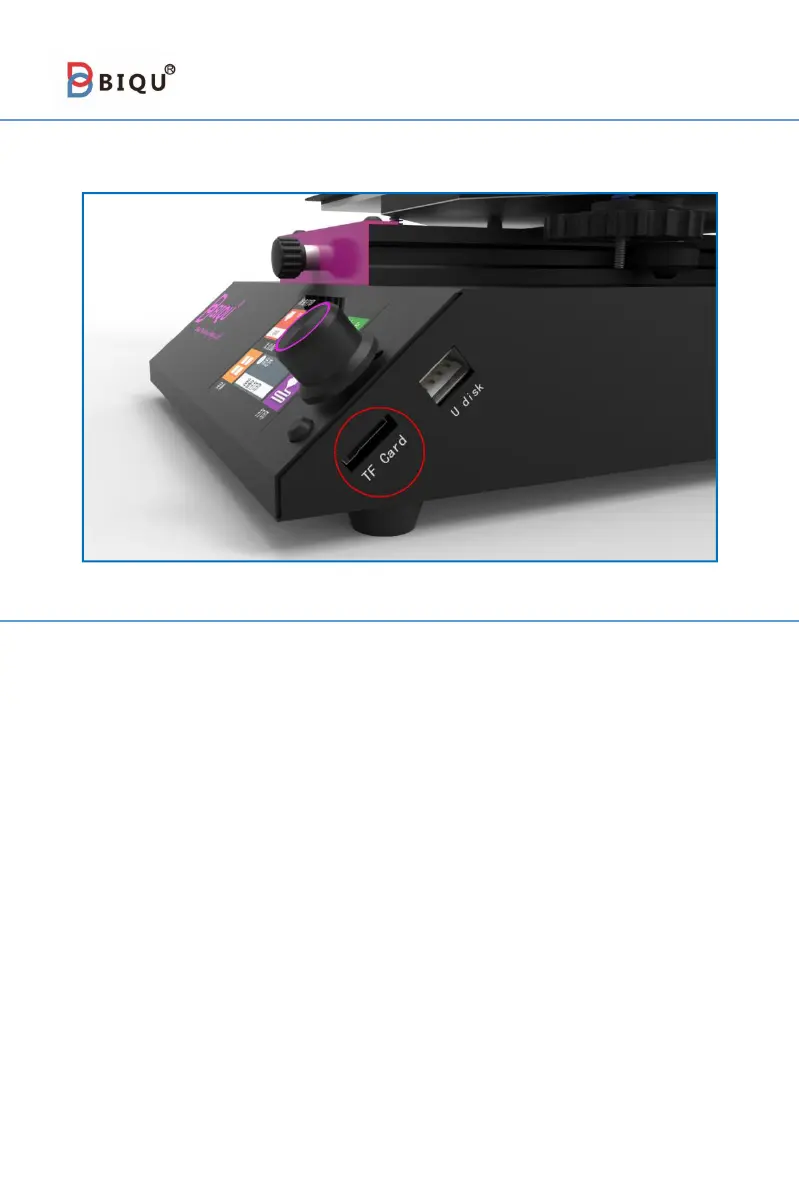
Put the G-code file from TF card in the card slot.(As shown in the figure)
Step 3
Connect the power cord, turn on the machine, and select on the touch
screen homepage ①
“
print
”→
②
“
TFT SD
”,
Then select the slice file
saved in the TF card. The printer nozzle and hot bed start to heat. After
warming to the target temperature, the machine will automatically reset
to zero and then start printing.
After printing is completed, the print head and hot bed will
automatically cool down. When the temperature of nozzle and hot bed
reach indoor temperature, users then can remove the model.



 To Next Page