7-4 Model Preview
When there are many 3D printed files in the TF card, it is difficult for
users to find the files they needed. The model preview function can help
users find their target files more quickly and directly.
The function will be described in detail below.
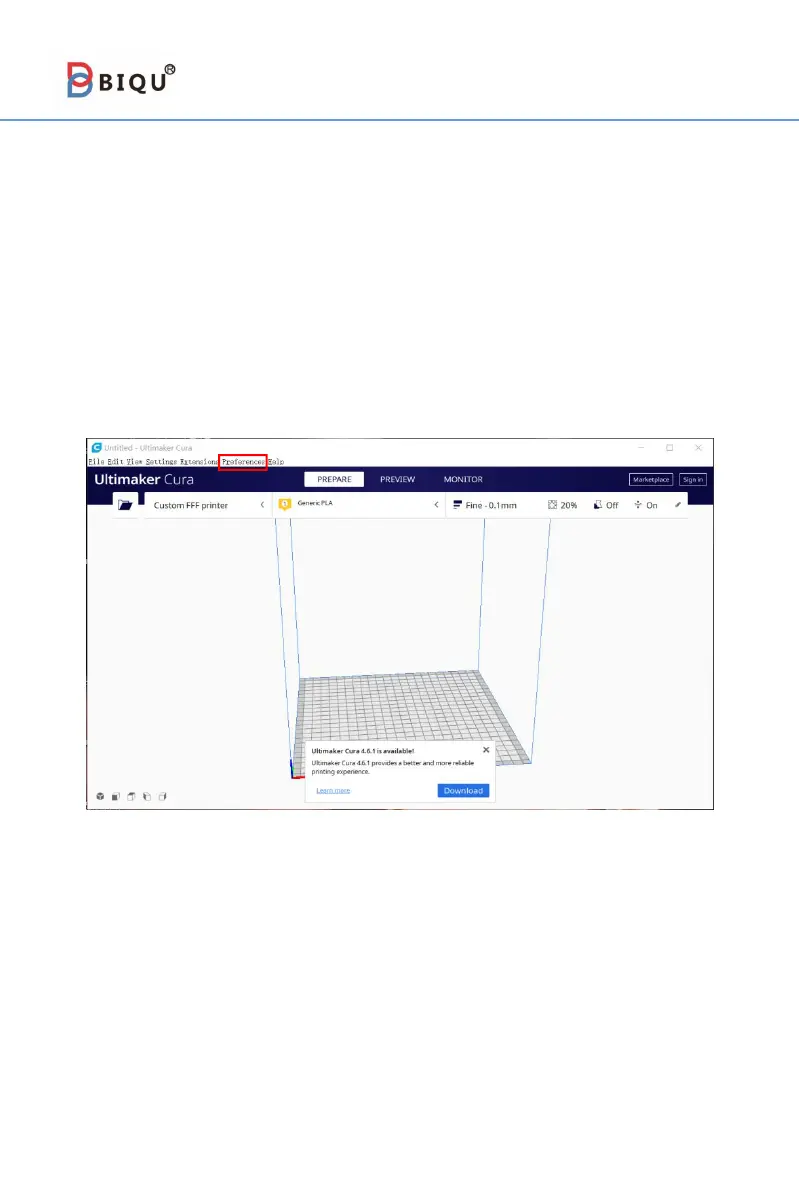
Step 1 Set up the UltimakerCura. Open the UltimakerCura, and then
click "preference" → "configurecura".



 To Next Page