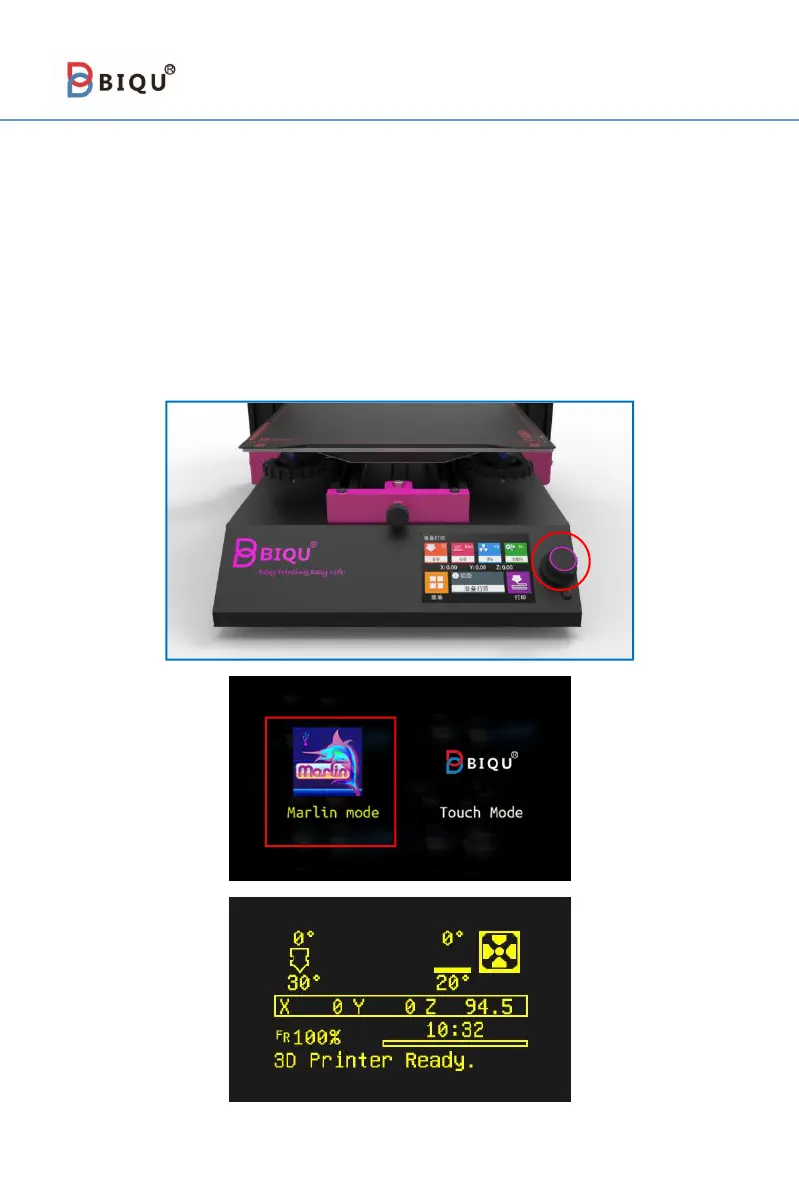
7-5 Marlin Operating System
BIQU-B1 has also equipped with a retro-style Marlin operating
system, users can choose their favorite operating system according to
their own preferences. Below is a brief description of the system.
Step 1 Long press the knob next to the touch screen, select "Marlin
Mode" on the left, then Marlin operating system will appear on the touch
screen.



 To Next Page