Step 5
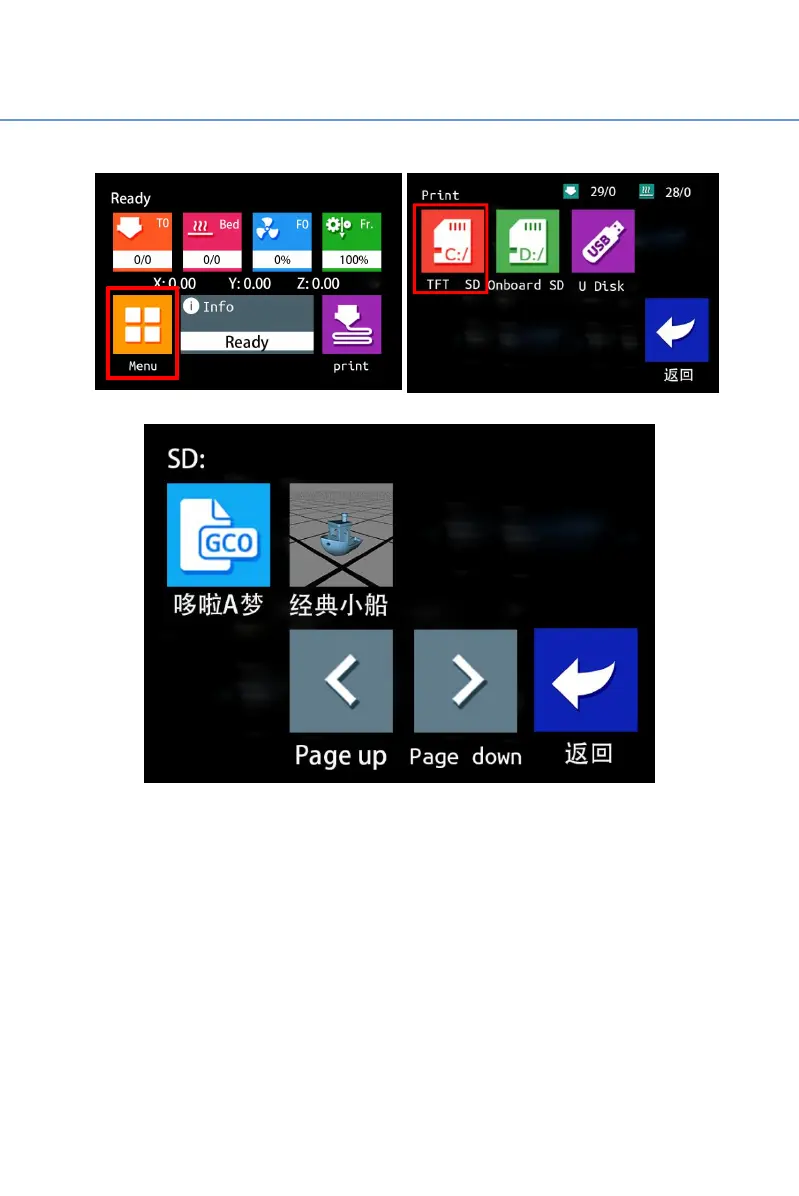
Choose from the touch screen homepage
“
Print
”→“
TFT SD
”,
and
when selecting the slice file saved in the TF card, users will see the
interface of the print file has been changed. The outputted sliced files will
display thumbnail icons, while without outputted sliced files will not
display thumbnail icons. Users could select the slice file they want to print
at a glance.



 To Next Page